Watch Part 2 of the tutorial.
Creating the Side Surfaces
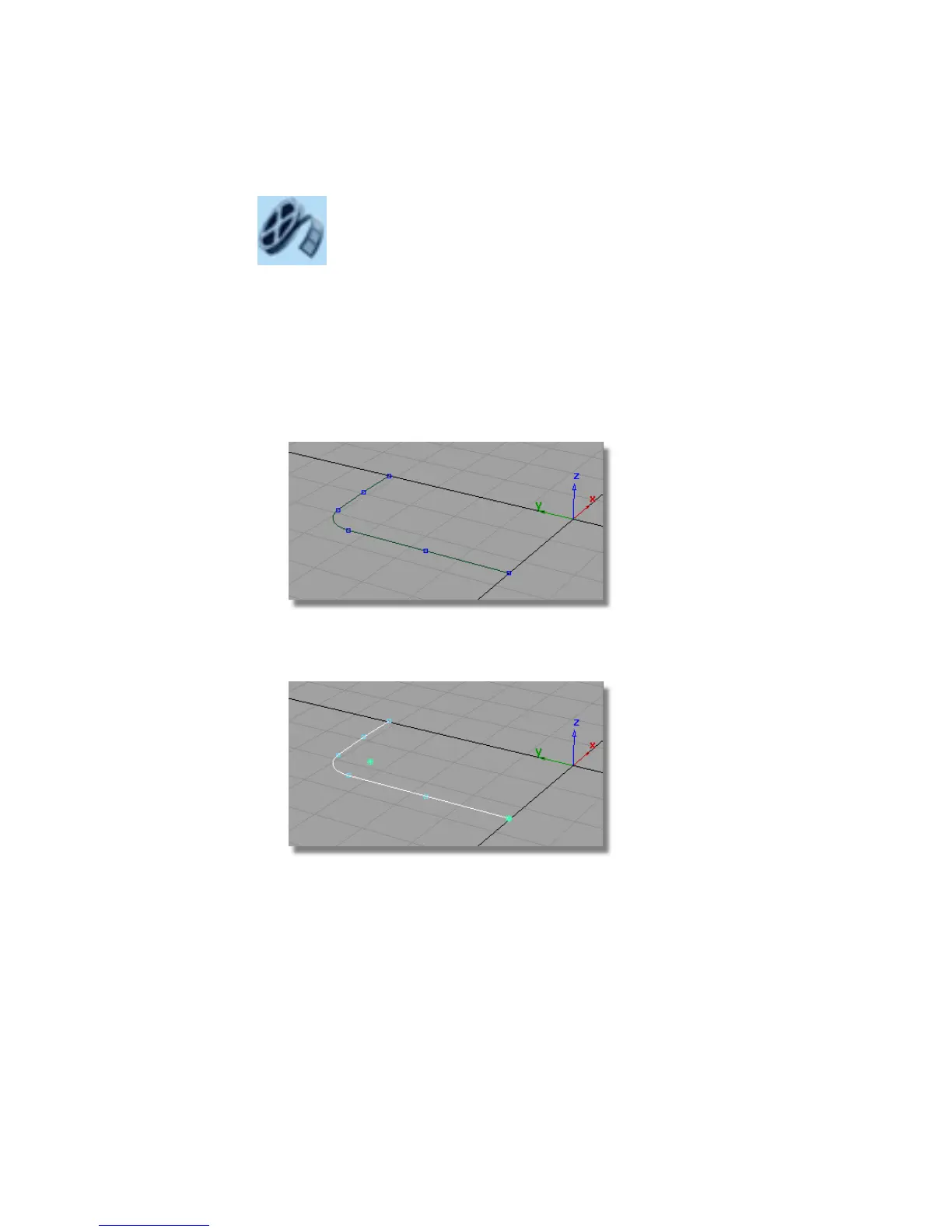
First, you will move your curves away from the center line in the z-direction.
This will leave some space for a split-line feature you will create later in the
tutorial.
1 Maximize the Perspective Window.
2 Choose Pick > Object and drag a pick box over all the curves to select
them
3 Choose Transform > Move and type r0,0,0.25 in the prompt window to
move the curves up by 0.25 mm in the z-direction.
4 You will be asked about losing construction history, which relates to the
fillet curve. Answer Yes.
416 | Chapter 7 Modeling an MP3 Player



 To Next Page