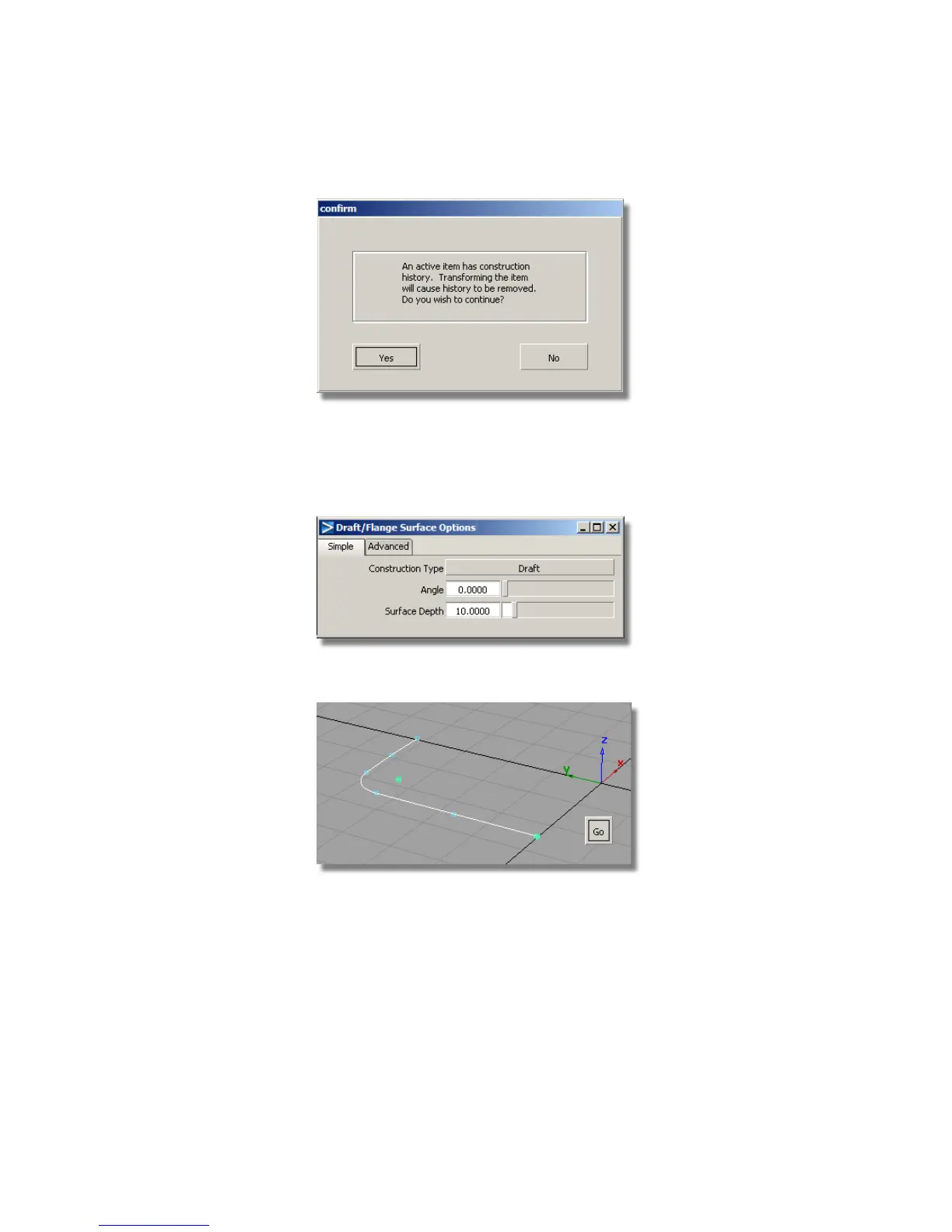
Now you will create the side wall using the Draft surface.
5 Choose Surfaces > Draft Surfaces > Draft/Flange . Double-click the icon
to open the option window. You will start with the default Draft settings,
and then modify them after the surface is created.
6 As the curves are already selected, click Go to create the surface.
The default Draft surface is built. The default draft direction is in the
positive z-axis, which is correct for your design.
Part 2: Creating the Side Surfaces | 417



 To Next Page