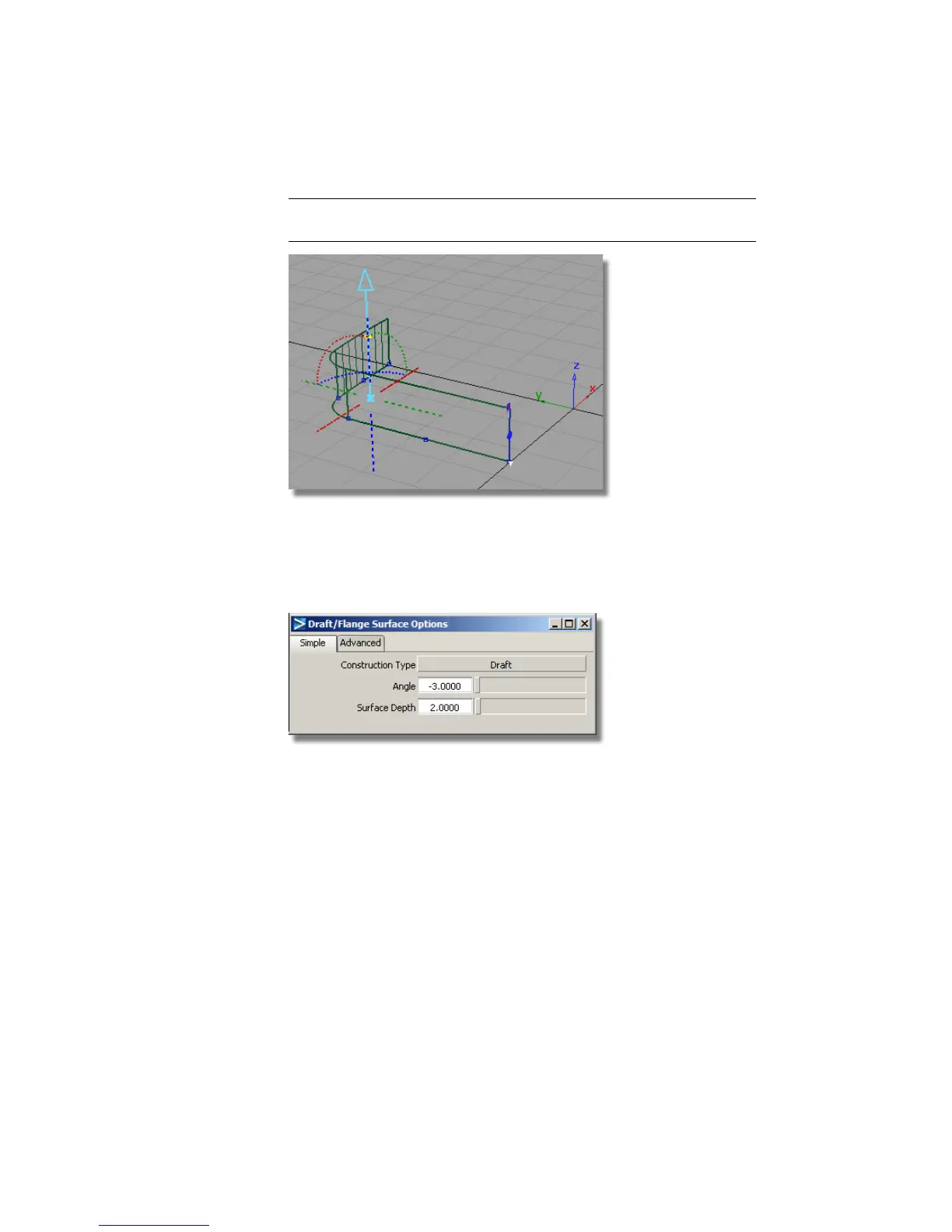
TIP To change the draft pull direction for future designs, click the dotted
lines and arcs representing the axes.
Now you will modify the Draft Angle and the Surface Depth to match
the required dimensions.
7 In the Draft option window, change the settings to an Angle of -3
degrees, and a Surface Depth of 2.
The Draft surface is rebuilt to the new settings.
418 | Chapter 7 Modeling an MP3 Player



 To Next Page