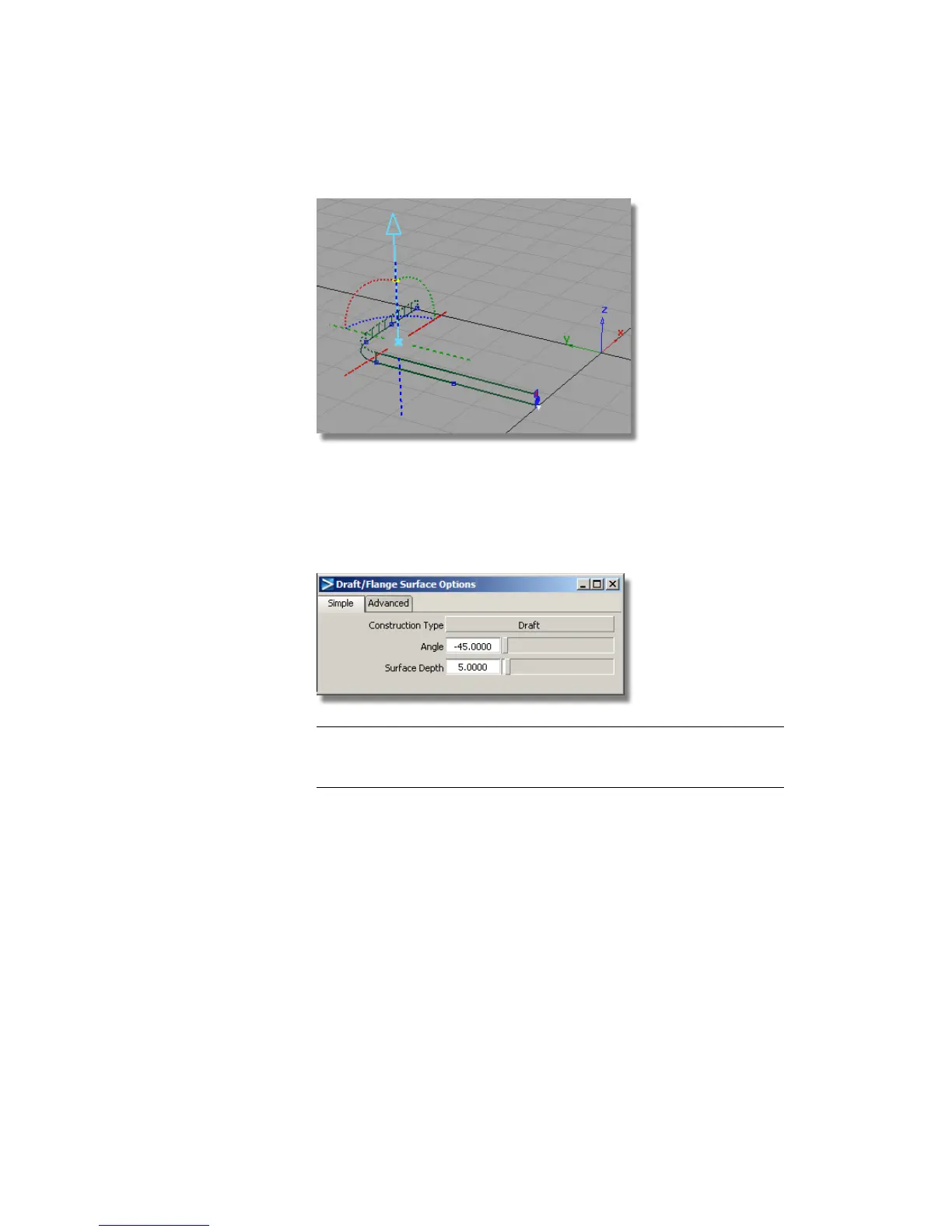
8 Choose Pick > Nothing to complete the surface creation.
9 Now you will build the chamfered surfaces.
10 Double-click the Draft icon to open the option window again. Change
the settings to an Angle of -45 degrees, and a Surface Depth of 5.
NOTE You will build the chamfered surface to an approximate length. The
front face of the MP3 player will later be used to trim the side walls to the
correct height.
11 Pick the three top edges of the draft surfaces as the input curves for the
new draft surfaces.
Part 2: Creating the Side Surfaces | 419



 To Next Page