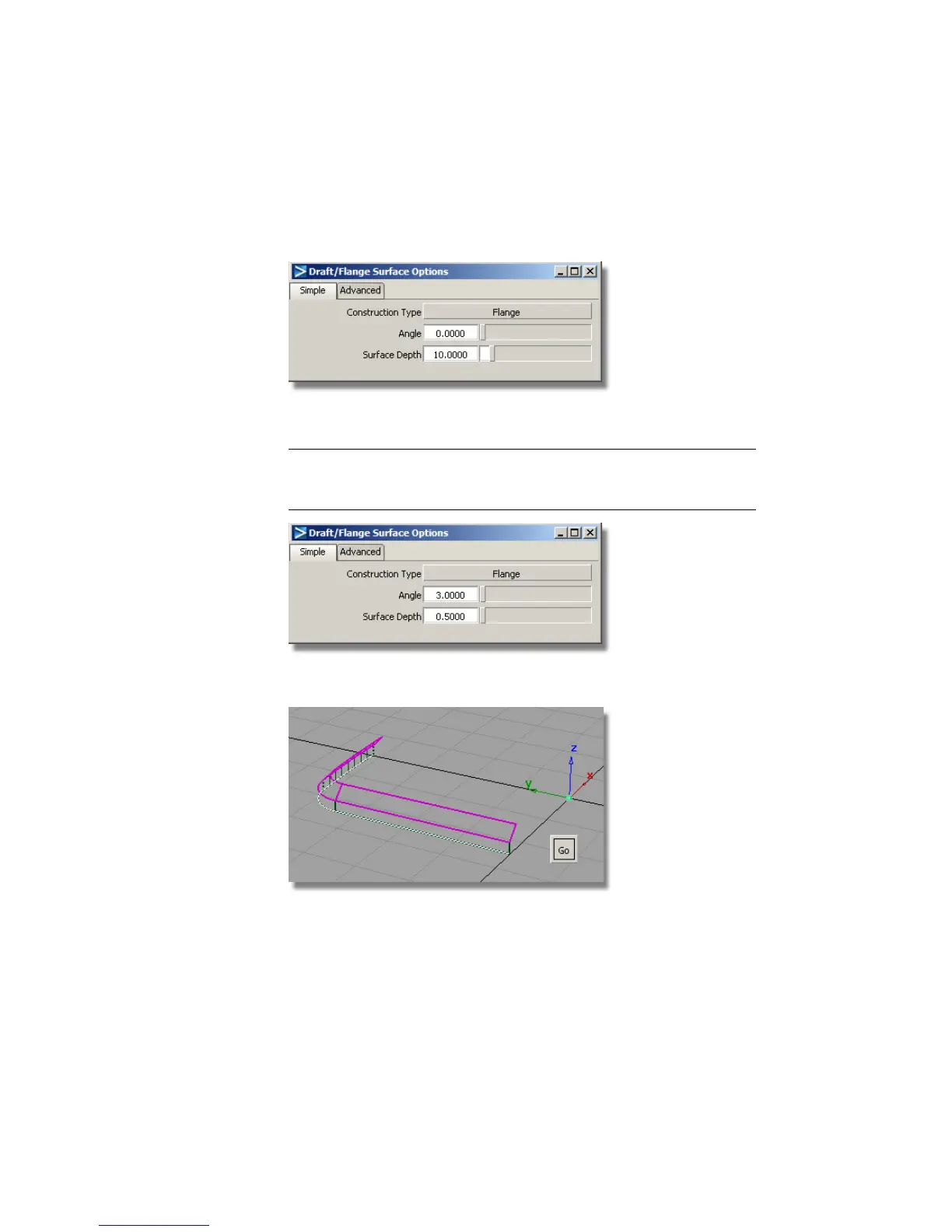
5 Choose Surfaces > Draft Surfaces > Draft/Flange . Double-click the icon
to open the option window. Change the Construction Type from
Draft to Flange.
6 Change the Surface Depth to 0.5, and change the Angle to 3.
NOTE The angle of 3 degrees compensates for the draft angle of 3 degrees
on the sidewalls. So the flange surfaces will be built parallel to the ground
plane.
7 Click the lower edges of the side walls and click Go.
The small flange surfaces are created.
422 | Chapter 7 Modeling an MP3 Player



 To Next Page