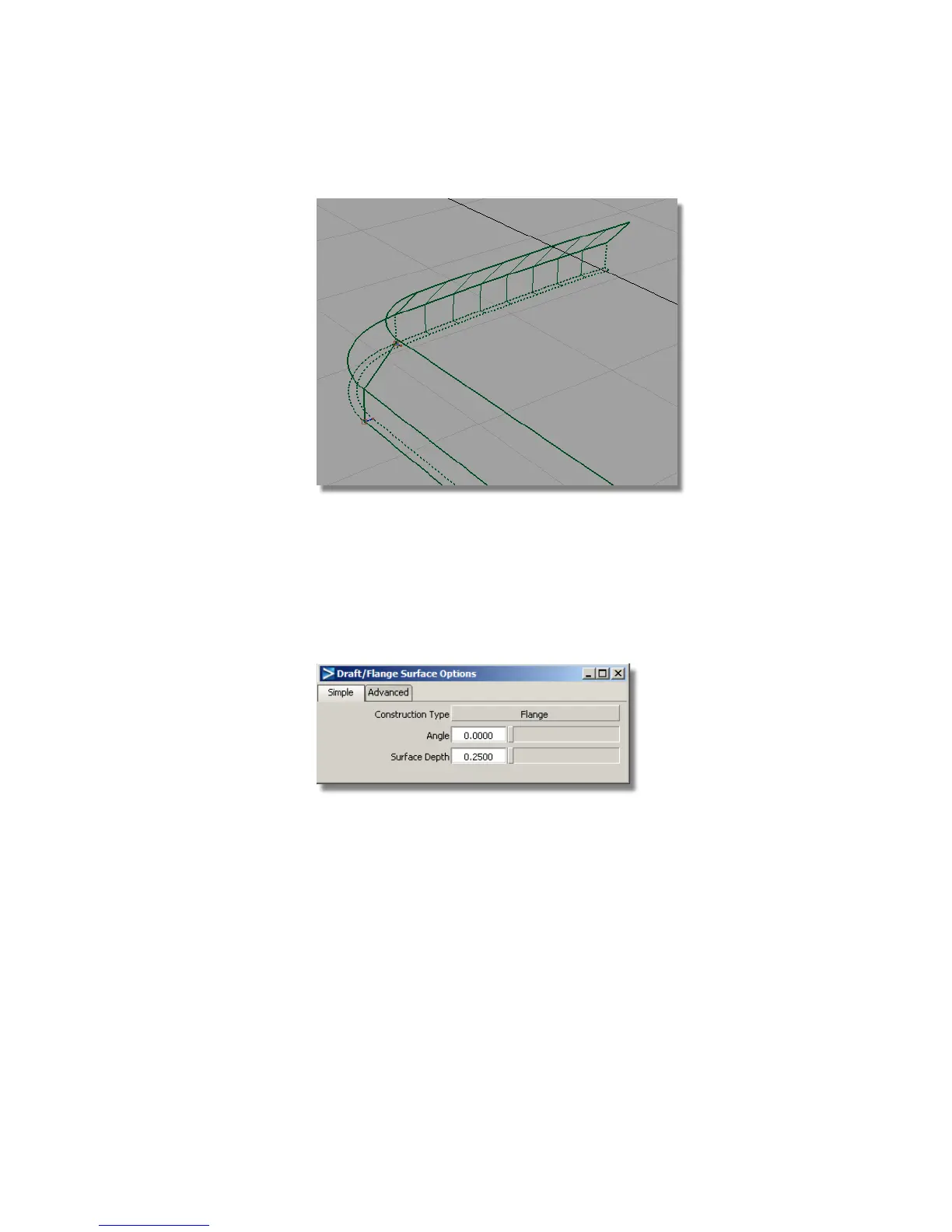
8 Choose Pick > Nothing to complete the Flange surface.
To finish off the sidewalls, you will now create another set of flange
surfaces to meet the center-line.
9 Choose Surfaces > Draft Surfaces > Draft/Flange again, double-click the
icon to open the option window.
10 Change the Angle to 0 and the Surface Depth to 0.25.
11 Choose the three edges of the flange surface you just created and click
Go.
Part 2: Creating the Side Surfaces | 423



 To Next Page