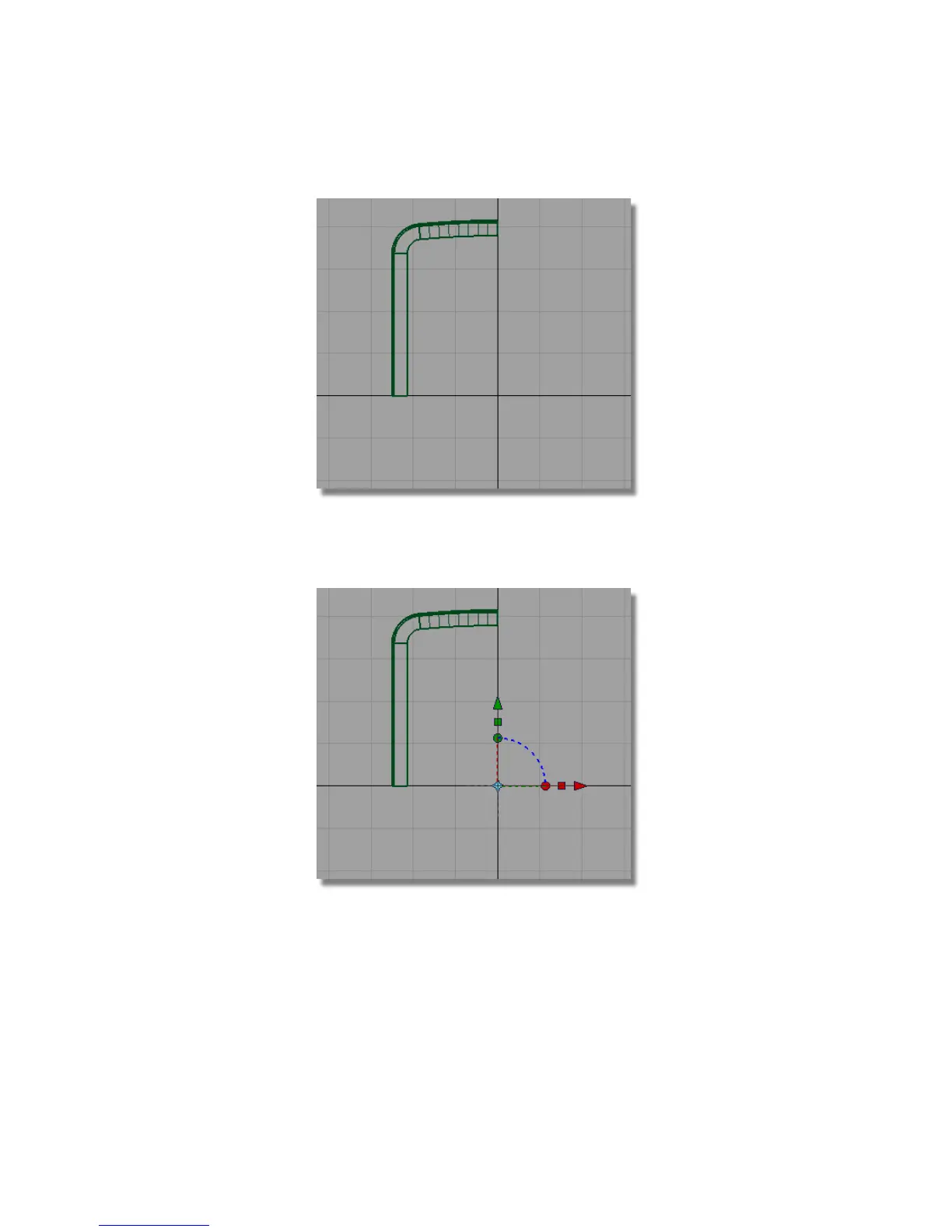
2 Choose Surfaces > Primitives > Plane . You are prompted to enter the new
plane position. Use the Alt (Windows) or Command (Mac) key and grid
snap the plane to the origin.
The Plane surface is created 1mm square in size. It is already selected, so
you will now scale and move the plane to form the front face of the
casing.
Part 3: Completing the Casing | 427



 To Next Page