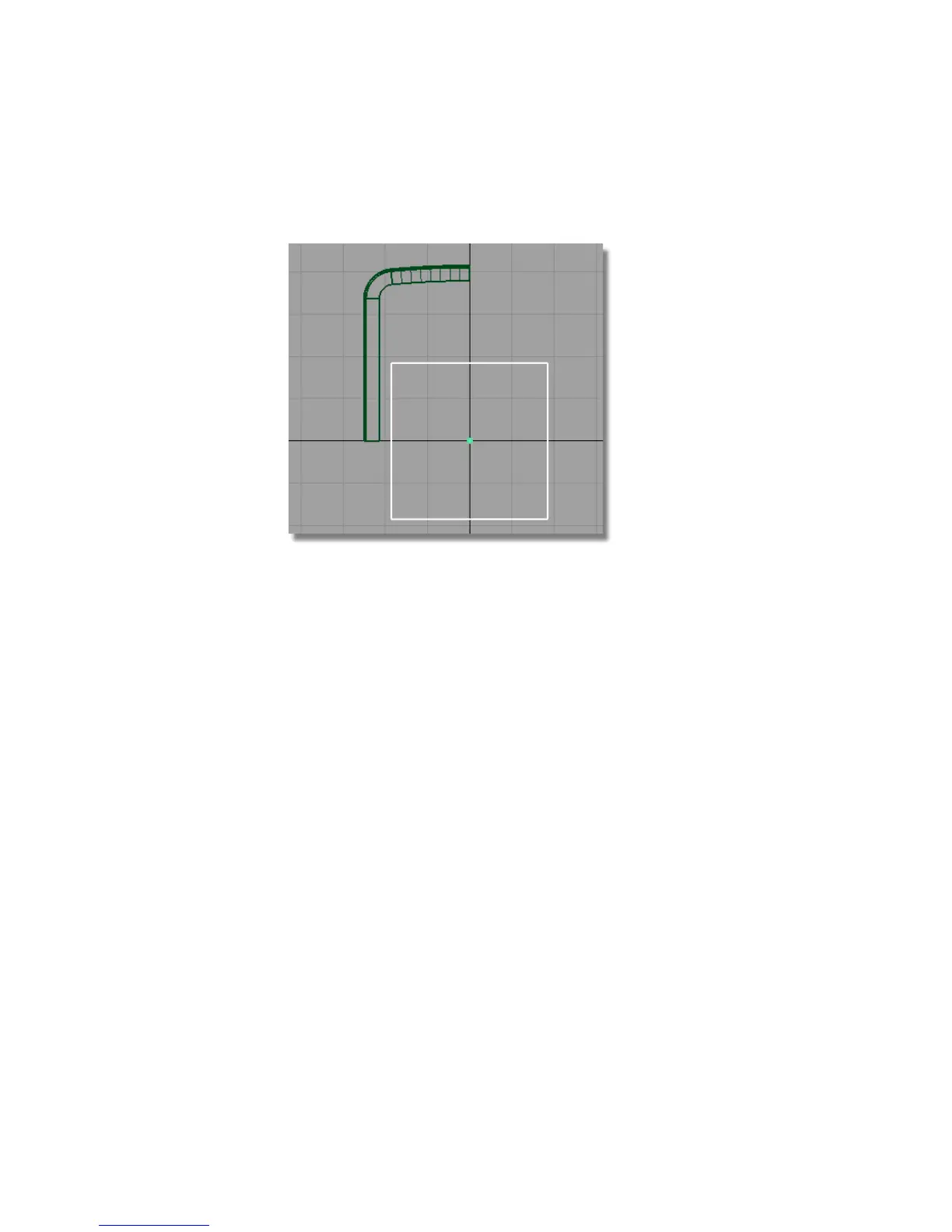
3 Choose Transform > Scale and click and drag the left mouse button to
make the plane large enough to see clearly.
Now you will set the pivot point for the Plane to the lower right-hand
corner.
4 Choose Transform > Local > Set Pivot . Use the curve snap (Ctrl + Alt
(Windows) or Control + Command (Mac)) to snap the pivot accurately to
the bottom right corner of the plane.
428 | Chapter 7 Modeling an MP3 Player



 To Next Page