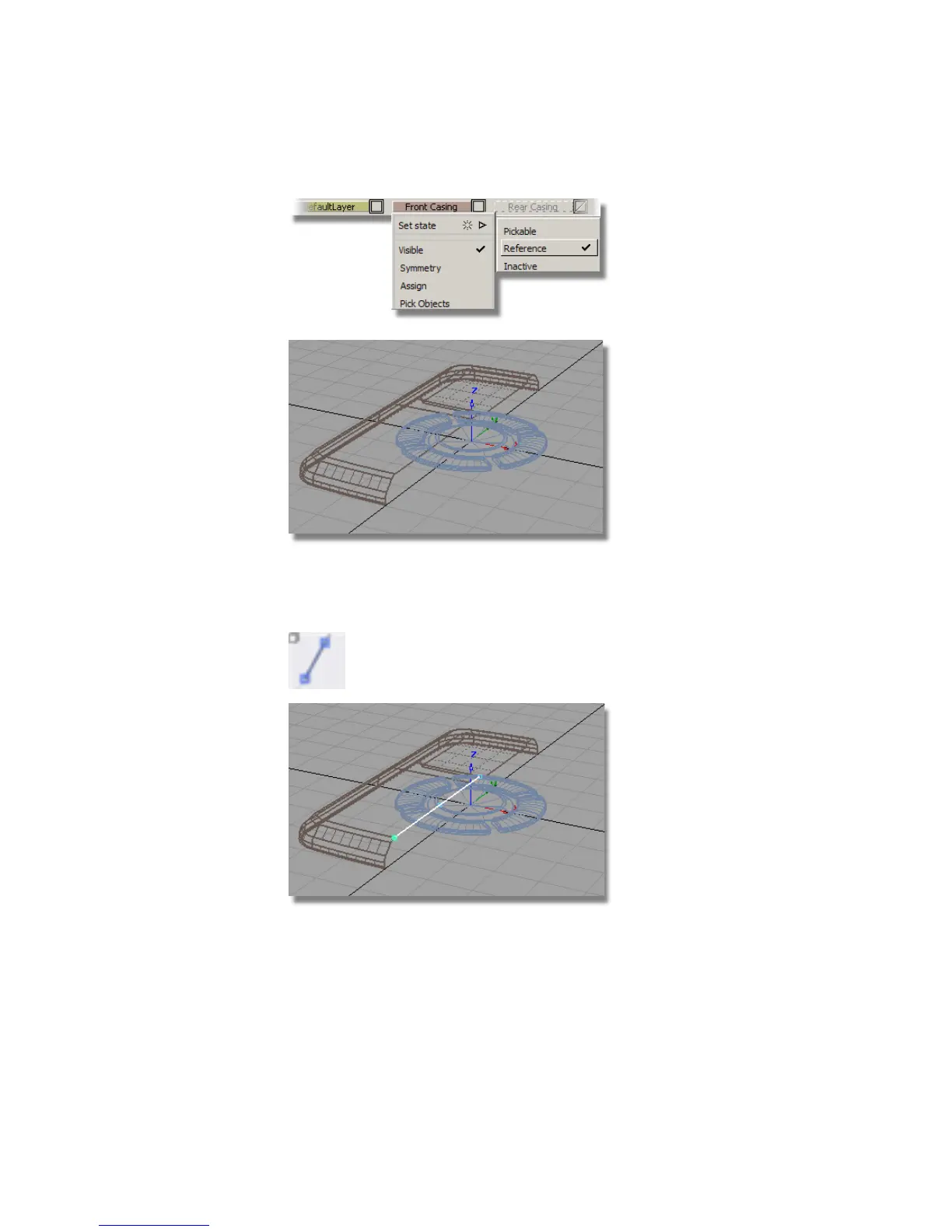
5 Choose Curves > Keypoint Curve Toolbox, then Keypoint Curve Tools >
Lines > Line and use curve snap (Ctrl and Alt (Windows) or Control and
Command (Mac) keys) to place the curve along the edge of the casing.
You will now use the center keypoint on the new line to position the
buttons.
500 | Chapter 7 Modeling an MP3 Player



 To Next Page