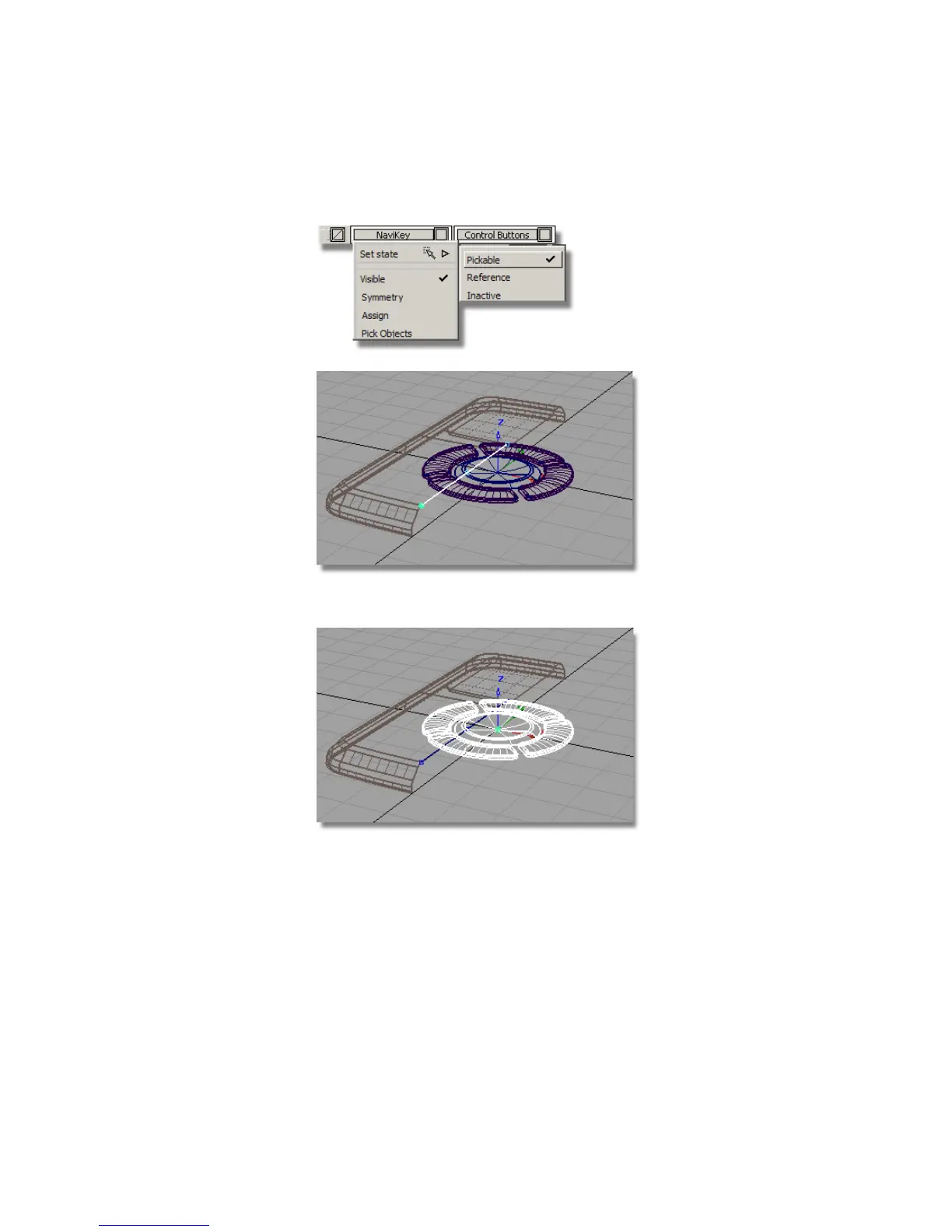
6 Make the NaviKey and the Control Buttons layers Pickable.
7 Choose Pick > Object and select all the buttons.
8 Choose Transform > Move . Use the point snap (Ctrl (Windows) or Control
(Mac) key) to position the keys on the center Keypoint of the line.
You will be asked if you want to delete construction history: answer YES.
Part 7: Completing the Model | 501



 To Next Page