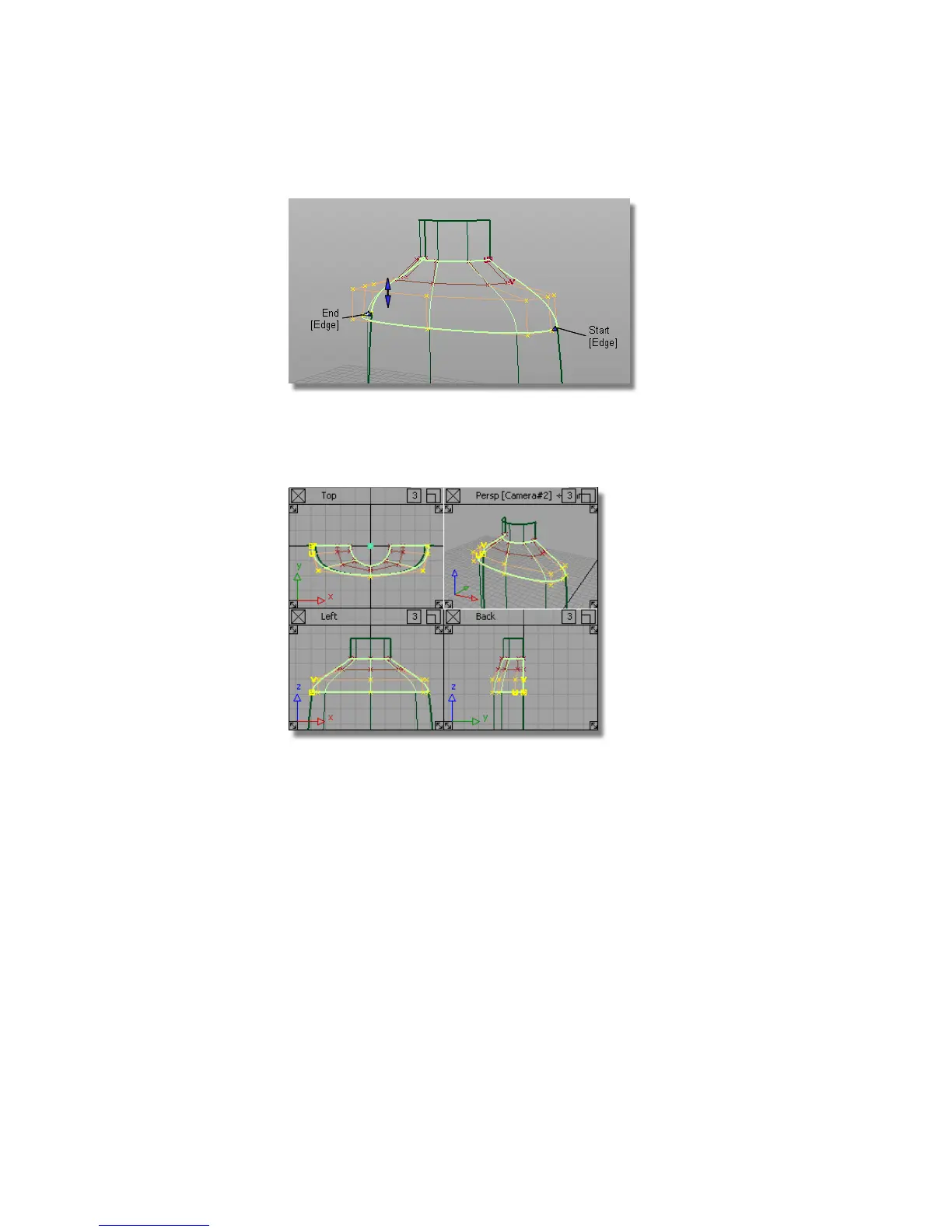
Now, you will modify the character of the shoulder blend by moving and
scaling the CVs and Hulls.
8 Use the F9 hotkey to show the four modelling windows.
9 Choose Pick > Nothing to deselect the surface.
10 Choose Pick > Point Types > Hull .
11 In the Back window, select the hull of the second row of CVs from the
top by clicking the red hull line.
530 | Chapter 8 Modeling a Sports Shower Gel Bottle



 To Next Page