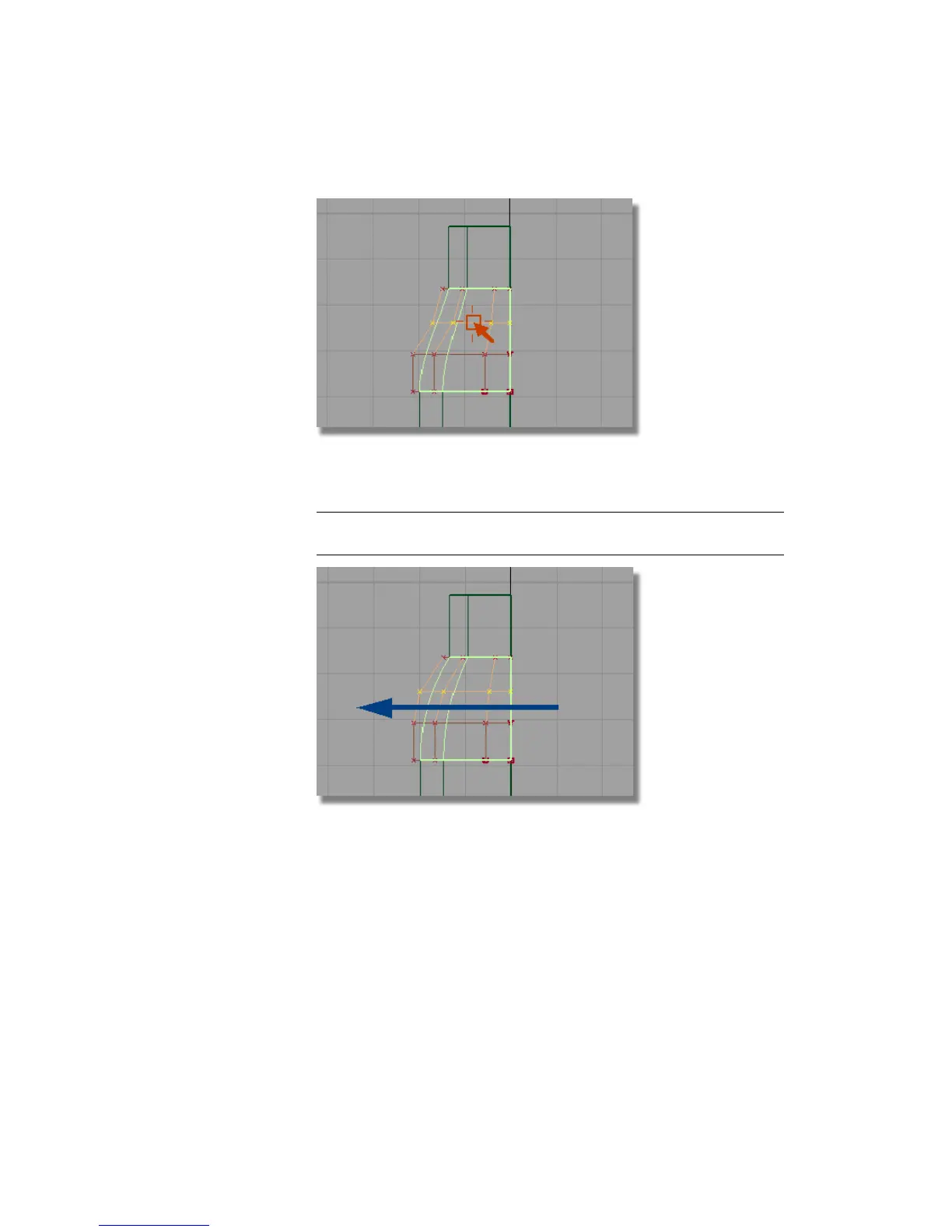
12 Choose Transform > Non-p Scale and drag with the middle mouse button
to create a smooth shoulder shape.
NOTE The pivot point for the CVs defaults to the origin, so the CVs will scale
correctly.
13 In the Left window, drag with the middle mouse button to refine the
shoulder shape.
Part 1: Creating Primary Surfaces | 531



 To Next Page