2 Choose Surfaces > Skin . Follow the prompts and select the two label
surface curves to create a skin surface.
Next, you will project the label outline curve onto the surface and trim
the surface to the shape of the label.
This time we will show how both operations can be executed at once by
using the 3D Trimming option in the Trim Surface tool.
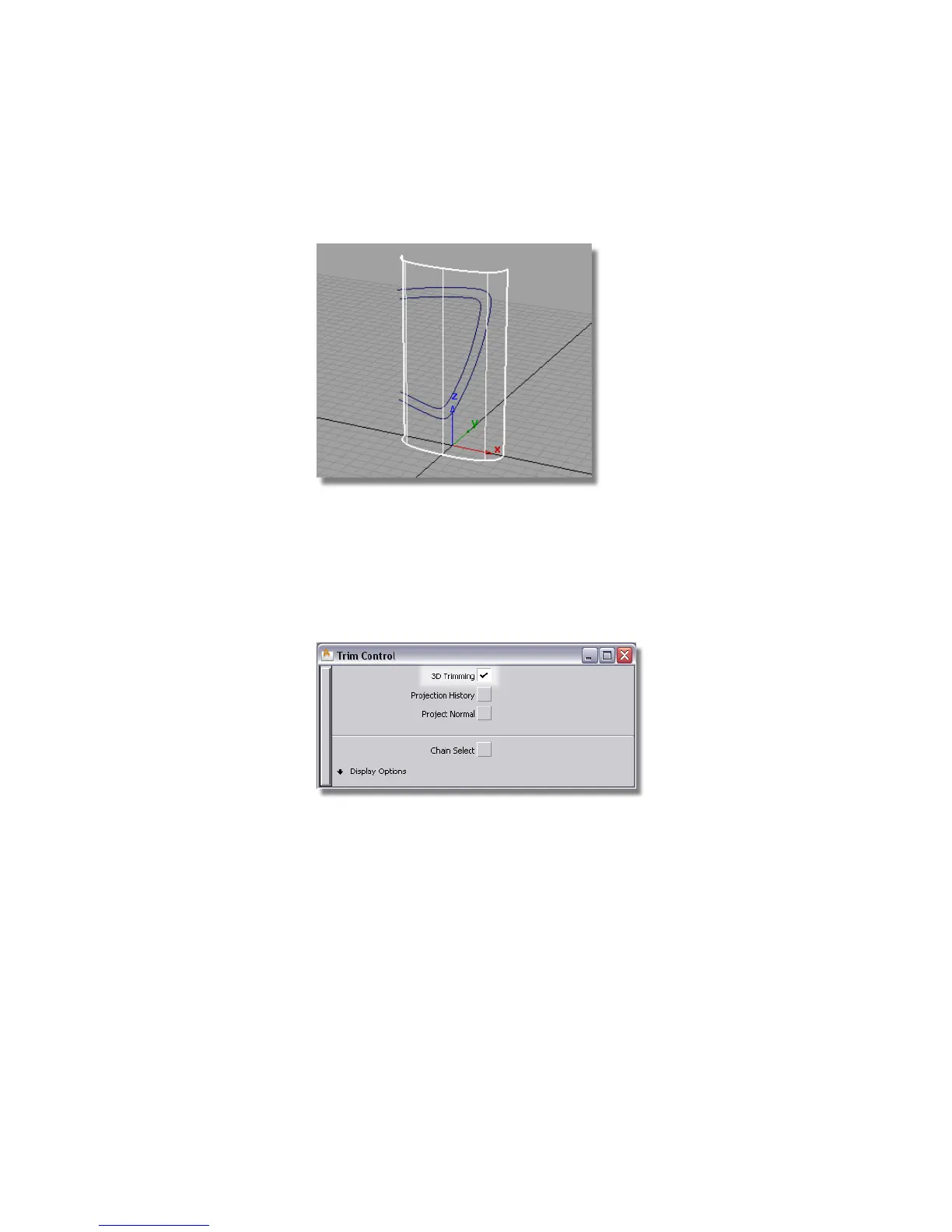
3 Choose Surface Edit > Trim > Trim Surface . Double-click the icon to open
the option box. Turn on 3D Trimming, then close the option box.
You are prompted to select the surfaces to trim.
4 Click the label surface to select it.
Part 3: Label Surface | 551



 To Next Page