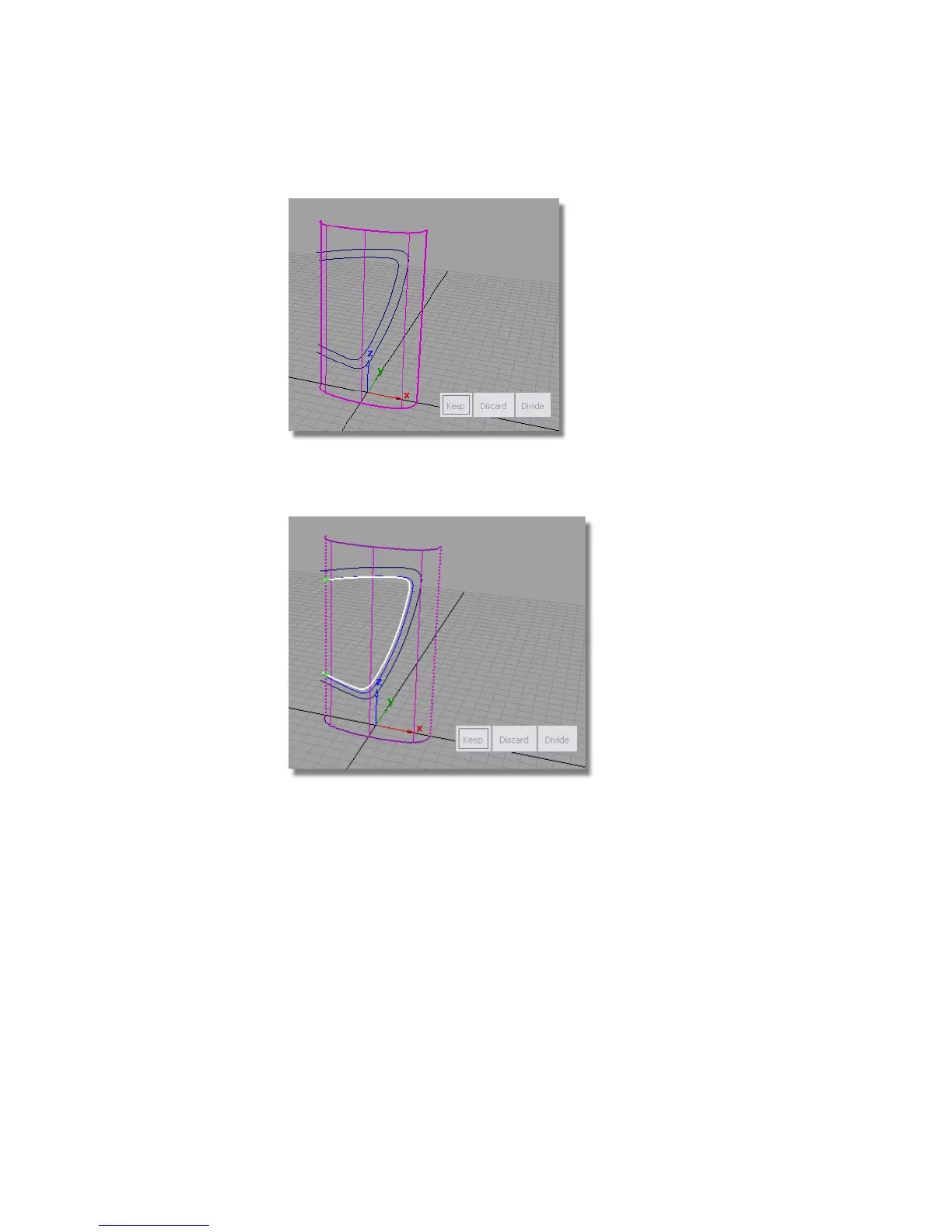
You are prompted to select curves to PROJECT.
5 Click the inner label shape curve to select it.
You are then prompted to select REGIONS.
6 Click the part of the surface you want to keep (the part inside the label
area). Then, click Keep shown in the bottom right corner of the window.
552 | Chapter 8 Modeling a Sports Shower Gel Bottle



 To Next Page