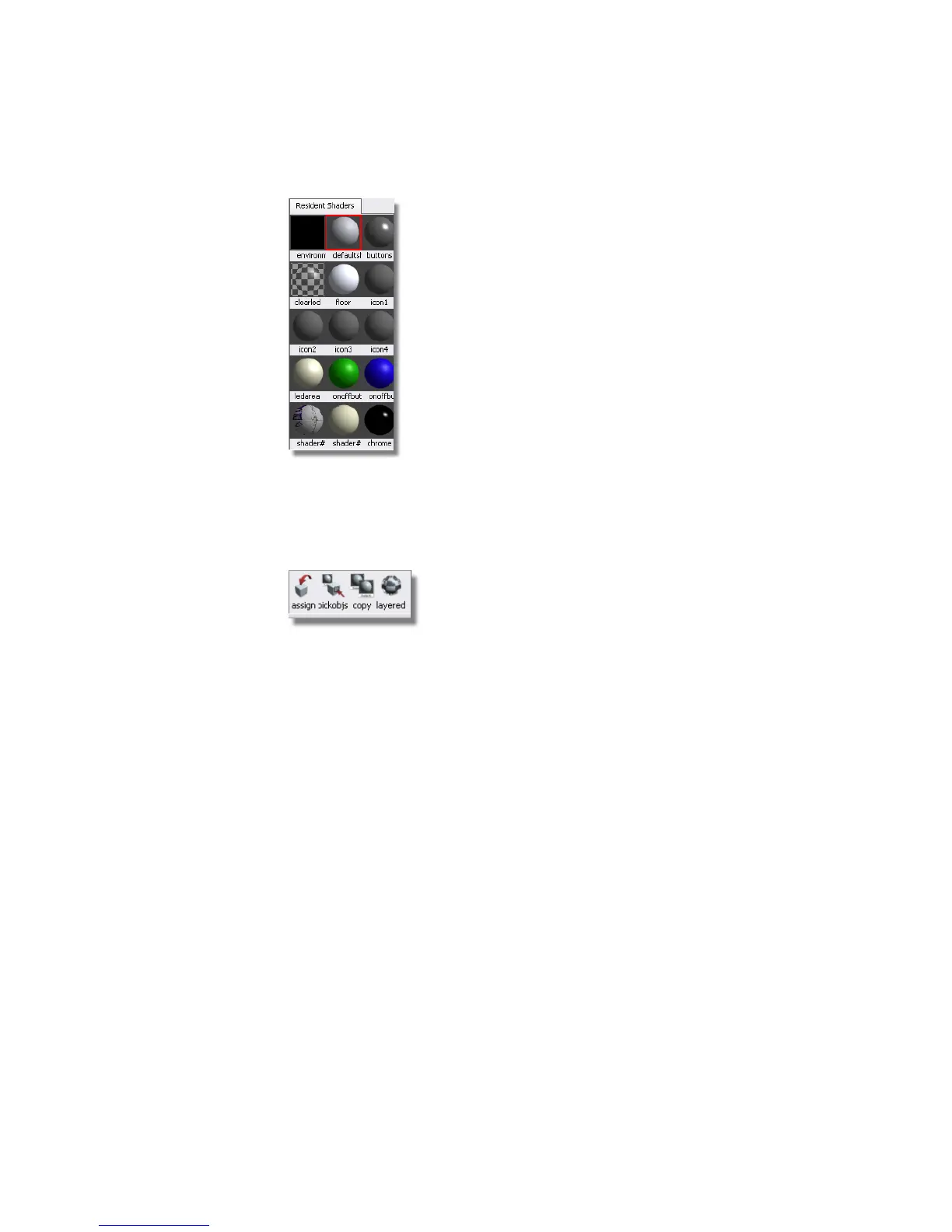
All of these spheres are shaders that are assigned to different parts of the
PDA. To see which sphere is assigned to which part of the PDA, click a
sphere.
2 Choose the second icon from the left in this section of the panel:
This tool picks objects by the current shader. You can choose each shader
and click this tool to see which shaders are assigned to what parts of the
model by looking in the Perspective view after you have clicked this tool.
3 Click each shader, and then click the Pick Objects by Current Shader
tool to see the assignments.
You can also modify some attributes of shaders in the visualization panel.
4 Click the green shader, and then Pick Object by Current Shader.
You will see that the button at the top of the PDA is highlighted.
620 | Chapter 9 An introduction to Rendering



 To Next Page