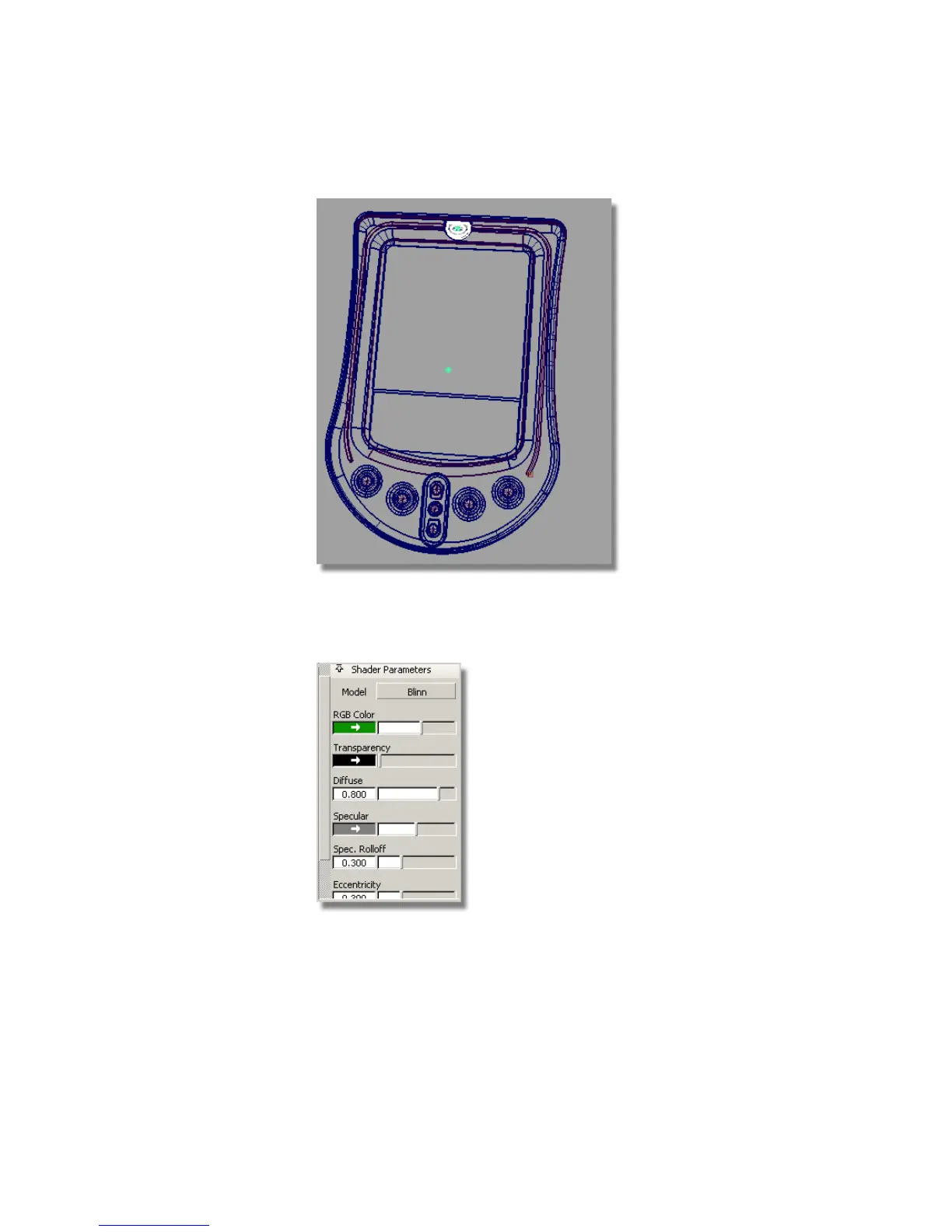
5 Push the bar under the Resident Shaders section up to reveal the Shader
Parameters for this shader. The most commonly used shader parameters
are shown in this section of the panel.
6 Click the green rectangle under RGB Color. This opens the color palette,
so you can choose a different color for the shader.
Visualizing a PDA | 621



 To Next Page