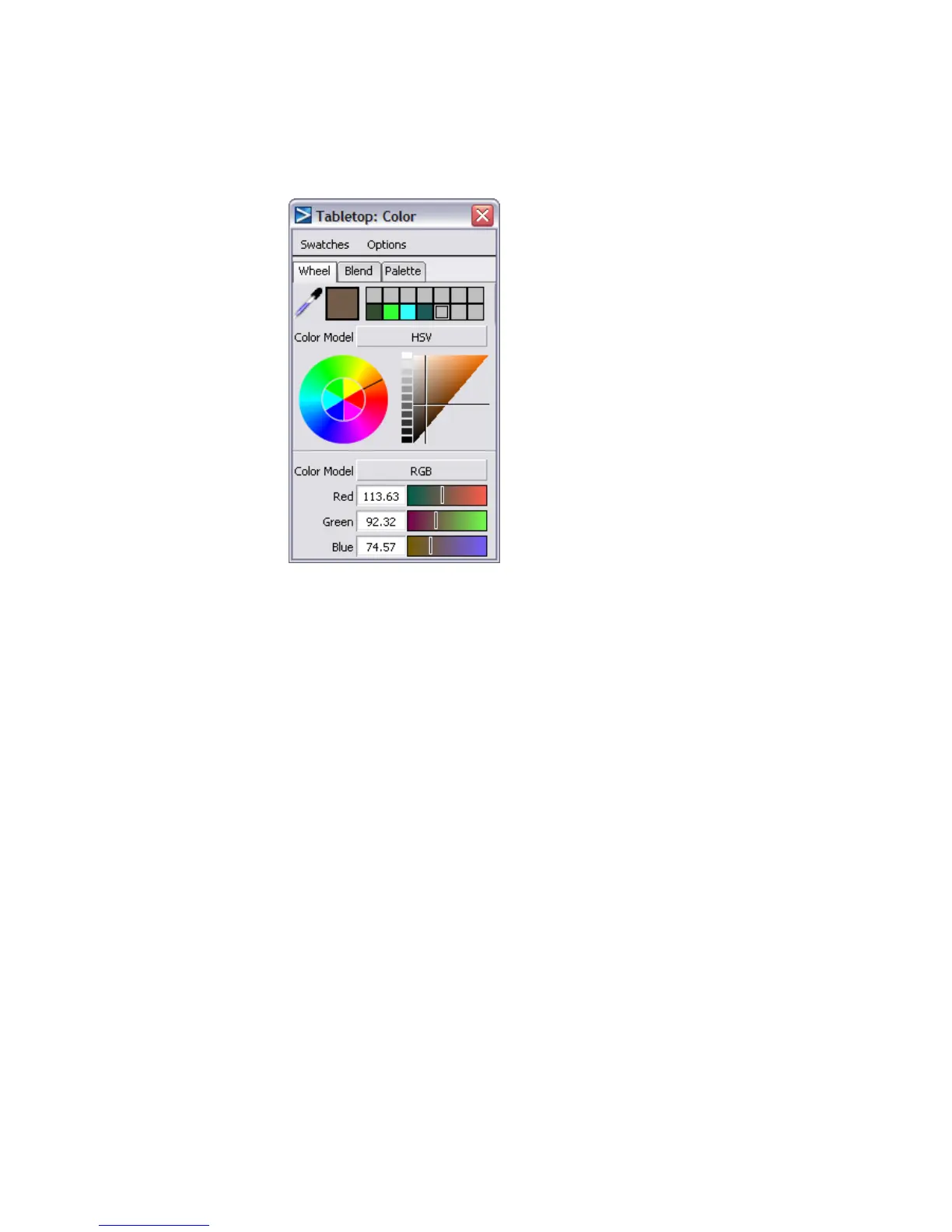
7 Change the color to orange by clicking the color wheel. You can modify
the color’s intensity in the HSV triangle. Close the window when you
have got a bright orange selected.
8 Notice that the color rectangle in the Visualization panel has changed
to orange.
9 Use the marking menu to pick nothing, then choose WindowDisplay >
Hardware Shade to see the model with an orange button.
10 For a better view without the wireframe, choose Model (unchecking it)
from the Show menu on the window bar to hide the wireframe.
622 | Chapter 9 An introduction to Rendering



 To Next Page