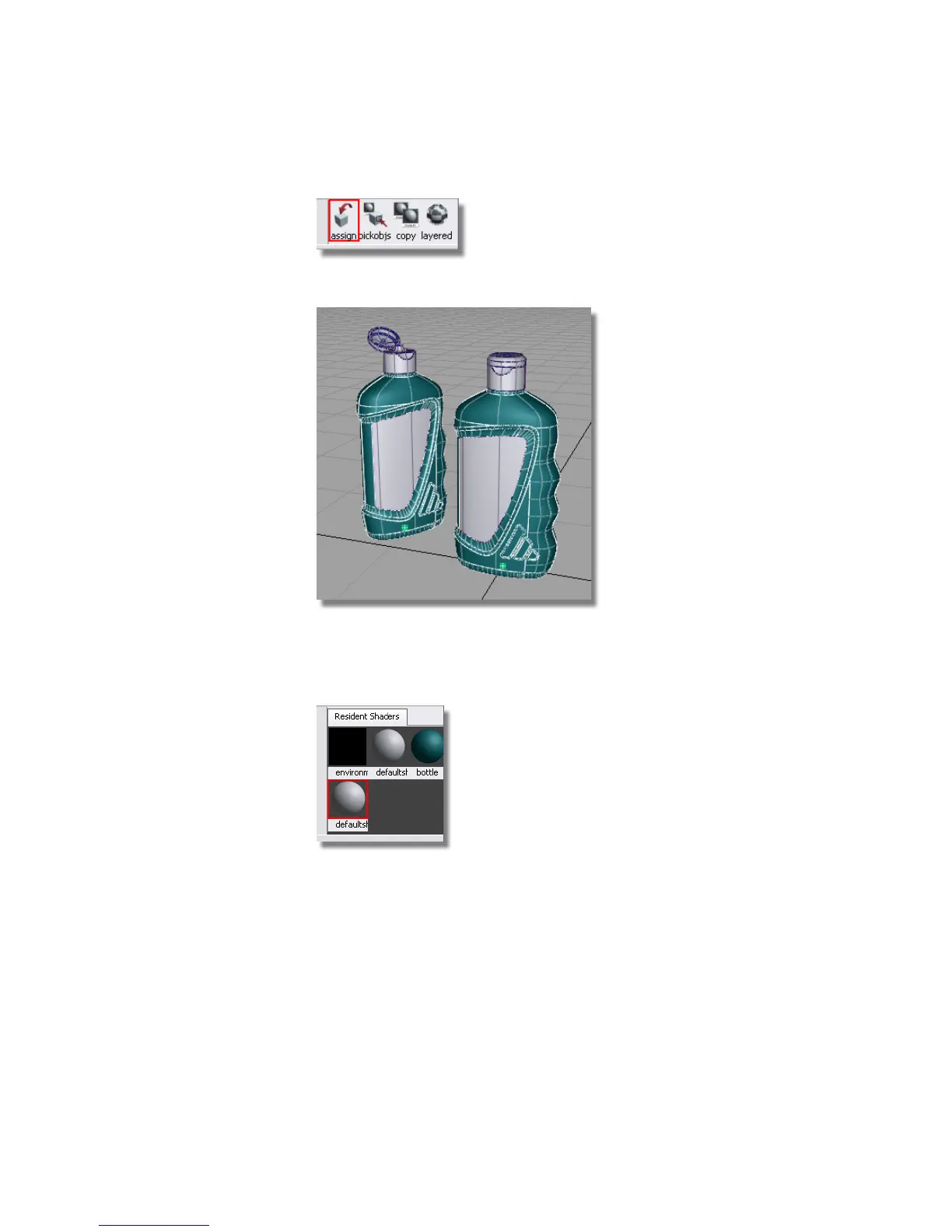
The bottle surfaces are now shown in the new shader color.
Now, you will repeat this process for the cap shader.
8 Click the default shader to select it. Then, choose the Copy Current
Shader tool to create a second new shader.
9 Double-click the icon of the second new shader to open the shader editor.
Change the Shader Name to Cap and the Shading Model to PHONG.
In the Common Shader Parameters section, choose a color for the
cap.
Part 1: Creating Shaders | 643



 To Next Page