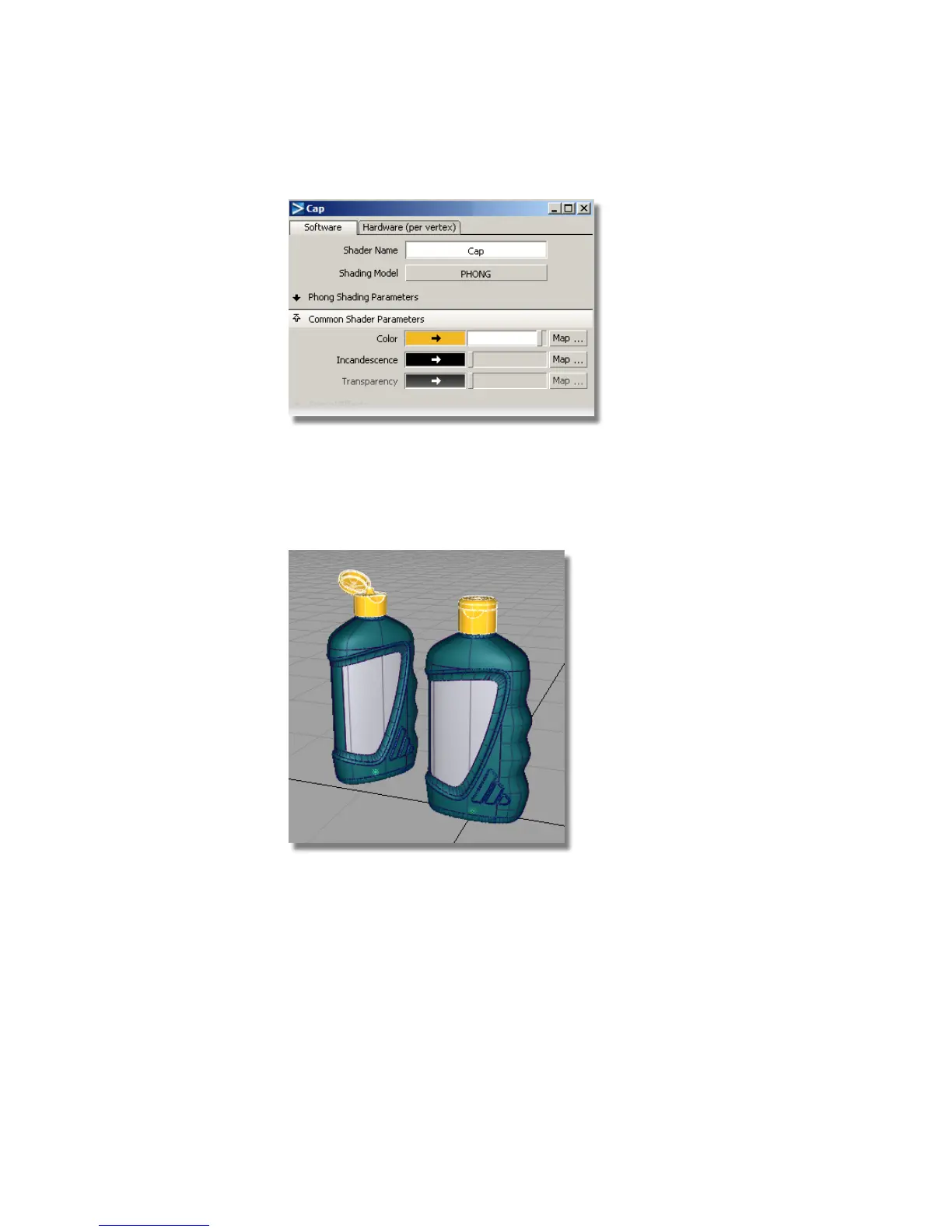
Now, you will assign the shader to the cap surfaces.
10 Pick the cap surfaces using the Cap layer sub-menu.
11 Assign the Cap shader to the cap surfaces using the Assign icon in the
Visualize Panel.
A small bright highlight appears on the caps illustrating a glossy plastic
material.
12 Close the shader editor window.
13 Choose Pick > Nothing to de-select the label surfaces.
644 | Chapter 10 Shaders and Lights



 To Next Page