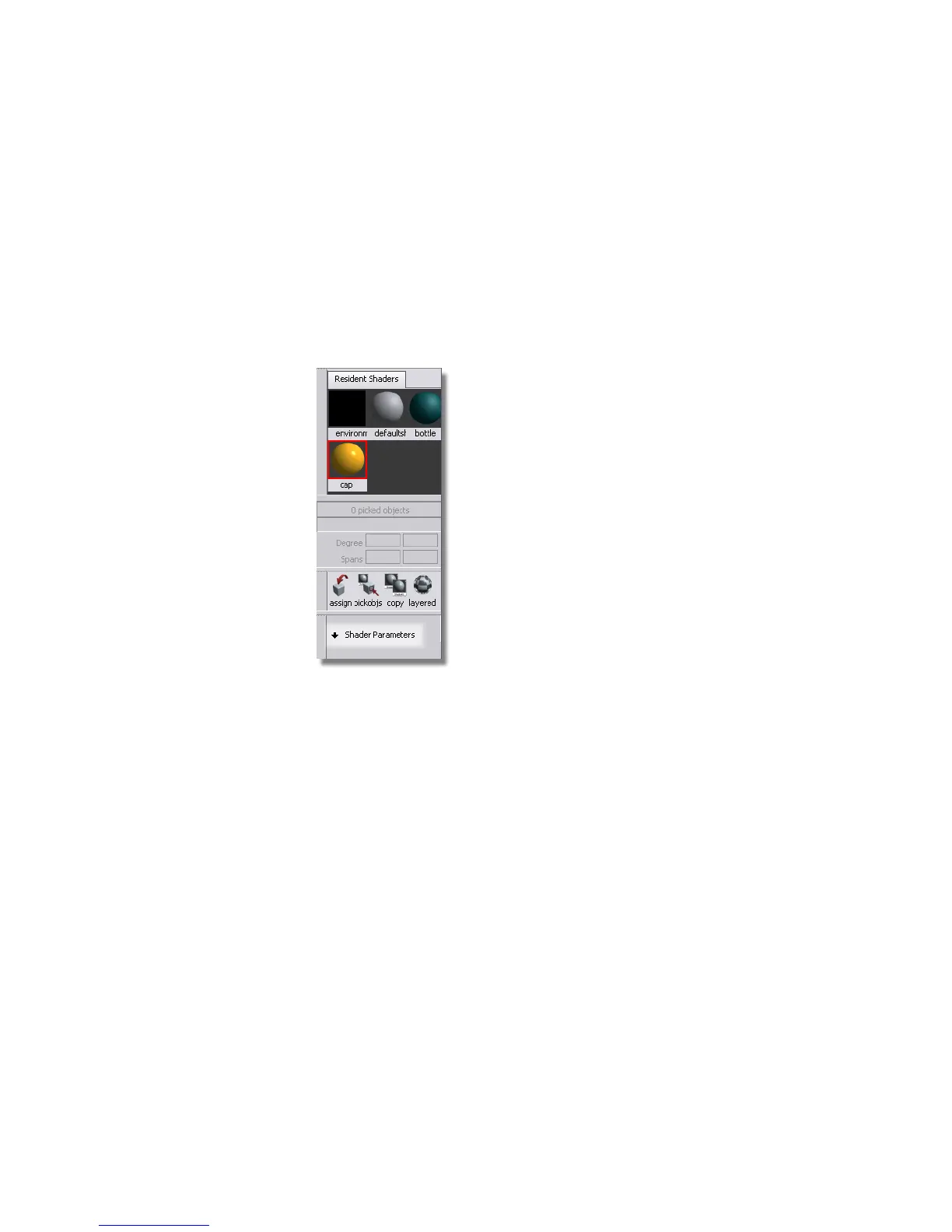
Modifying Shaders in the Visualize Panel
The most common parameters for a shader can be accessed in the Visualize
Panel.
Now, you will give the cap a more shiny appearance, and the bottle a softer
finish.
1 Click the Cap shader to select it and open the Shader Parameters
section of the Visualize Panel.
2 Modify the Shinyness value to make the highlight on the cap smaller.
Part 1: Creating Shaders | 645



 To Next Page