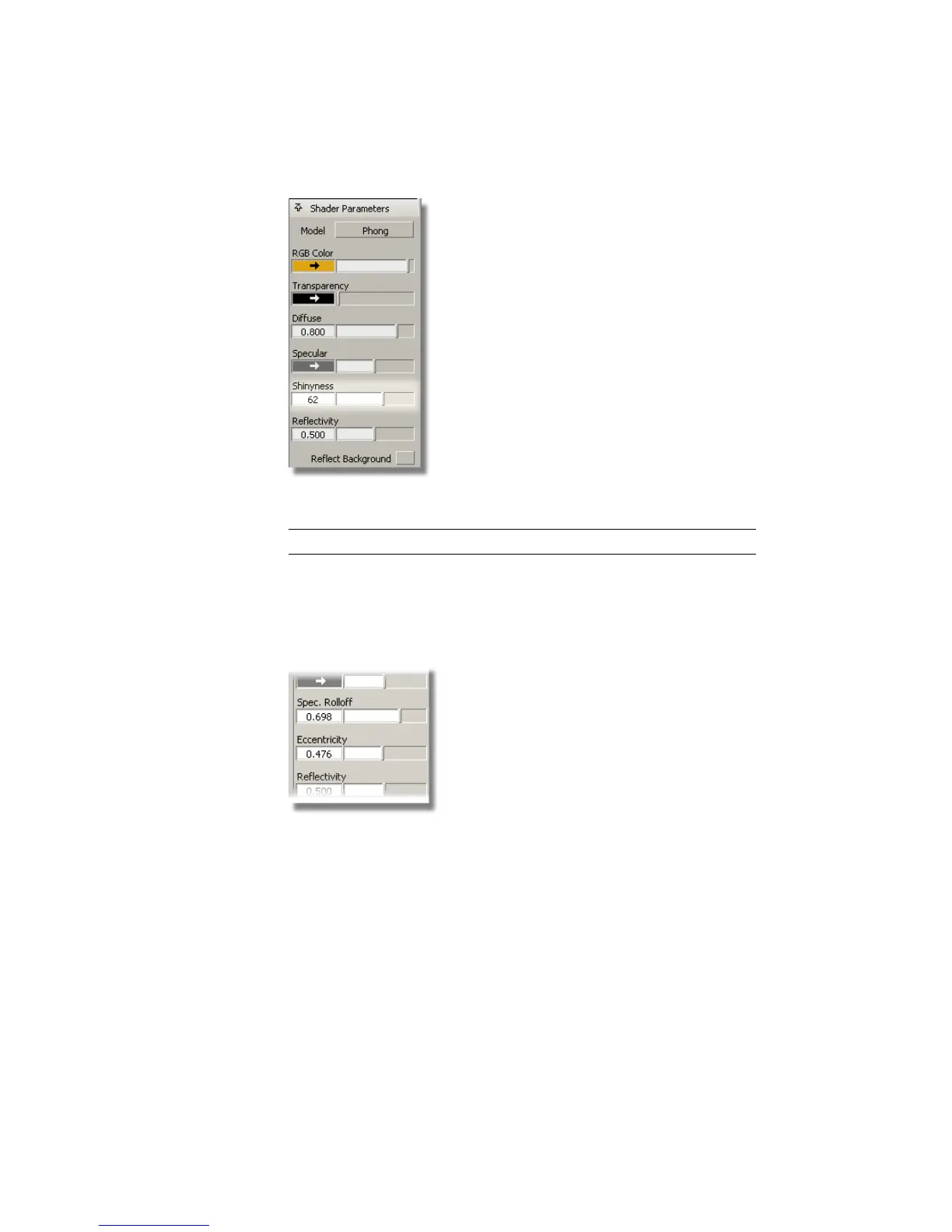
The cap material should look more shiny.
TIP You can use Render > Direct Render to see the changes more accurately.
3 Click the Bottle shader to select it.
4 In the Shader parameters section, modify the Eccentricity and Spec.
Rolloff values to make the bottle plastic look less shiny, with a softer
surface finish.
The two images below show the changes you will see in the materials.
646 | Chapter 10 Shaders and Lights



 To Next Page