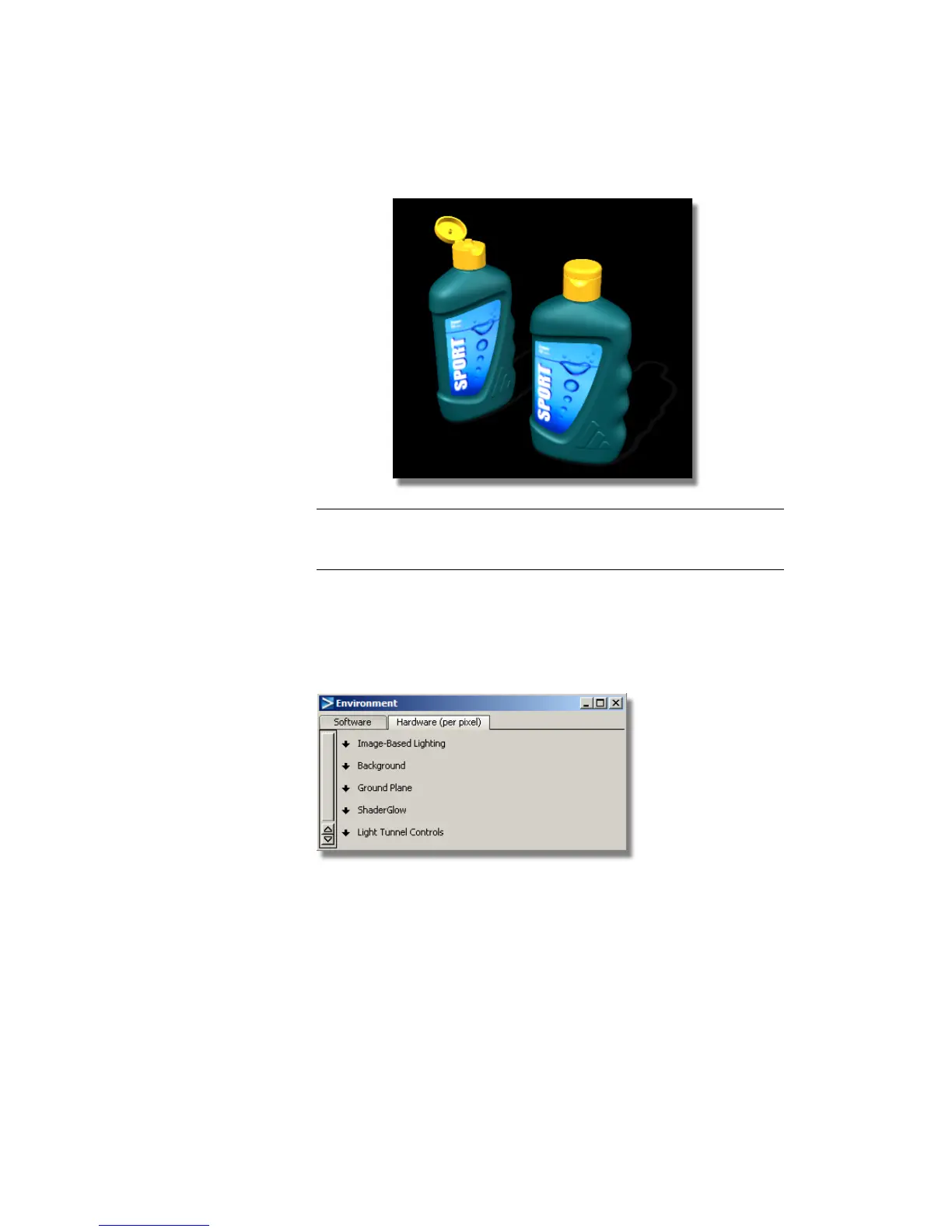
NOTE The HIGH quality settings may also slightly change how the lights
appear on the surfaces. You can modify the intensity or direction of the lights
to adjust the image.
Now, you will change the background color using the Environment
shader.
5 In the Enable Environment Effects section of the Hardware Shade window,
click the Edit Environment button to open the Environment editor
window.
Part 4: Creating an Image | 671



 To Next Page