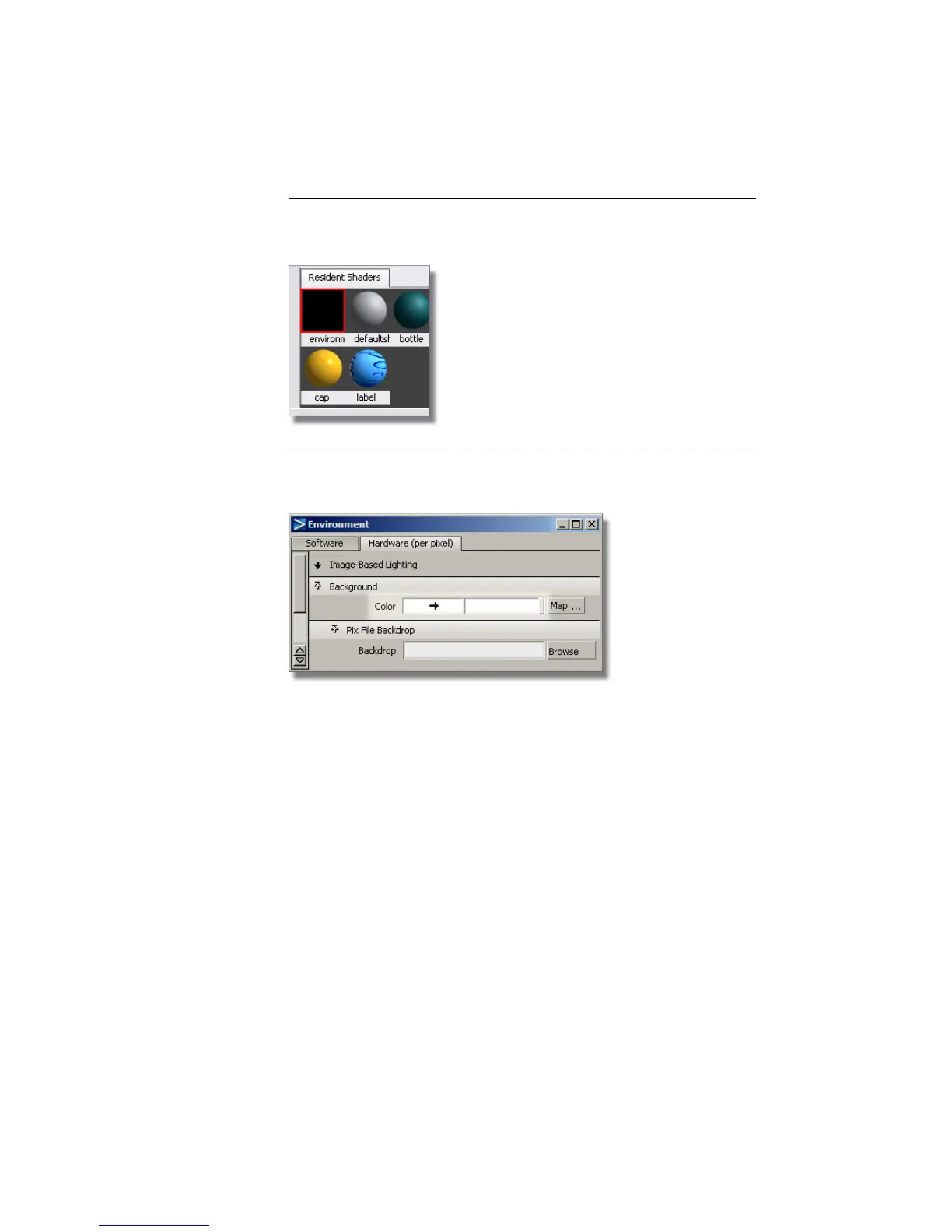
NOTE If the Hardware Shade window is closed, you can also go to the
Visualize Control Panel and double-click the Environment shader icon
to open the Environment editor window.
6 In the Background section of the Hardware tab, change the color to
white (or any other color).
The shaded view updates to the new background color.
672 | Chapter 10 Shaders and Lights



 To Next Page