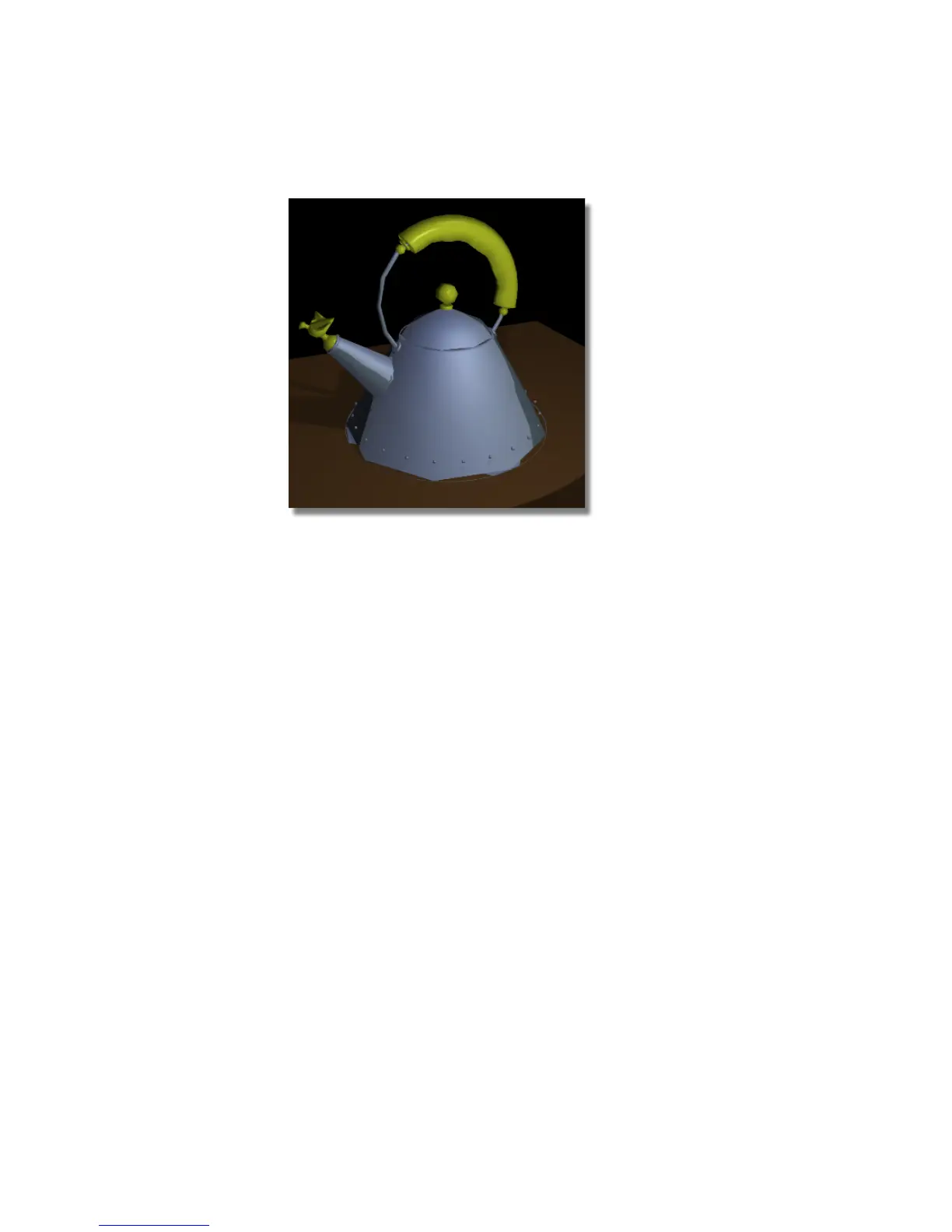
The body of the teakettle has a chrome material assigned to it, the grip
has a plastic yellow material assigned to it, and the table top has a flat
brown material assigned to it.
Also, you can see that the render is very faceted, especially any area with
relatively high curvature, like the metal handle and the base of the
teakettle. This faceting is often called “nickeling,” after the faceted edges
on old Canadian and American five-cent pieces. There are two variables
that affect the quality of the render. The first is the overall quality setting
that you assign to the rendering process in general, and the second is the
tessellation of the model.
6 Click the close box on the rendered image and the Render Monitor to
close both windows.
Editing the Render Globals parameters
1 Select the Render Globals command (Render > Globals) to open the
Render Globals window.
688 | Chapter 11 More rendering



 To Next Page