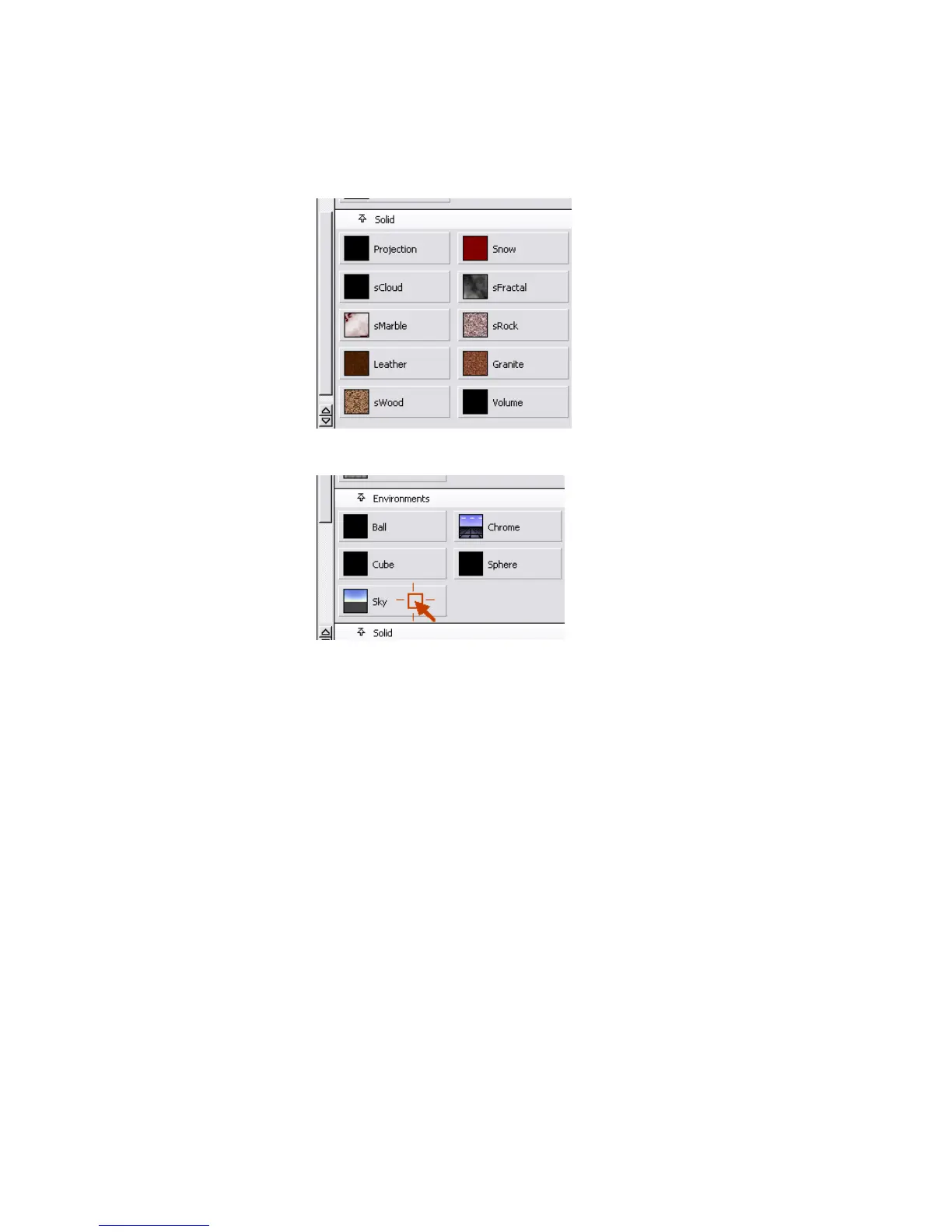
5 Click the Sky button in the Environments section.
This opens a parameter window called SkyTexture. The sky texture is
a very “procedural texture” that simulates a sky. “Procedural” means that
the program executes a series of commands to create the texture, instead
of using a 2D image of the sky. The sky texture can simulate a sunrise or
sunset, or you can create a sunset as it might appear on some faraway
planet.
Part 2: Creating a background environment | 695



 To Next Page