For this example, you will not be creating an animated sky, but you will
create a static sky.
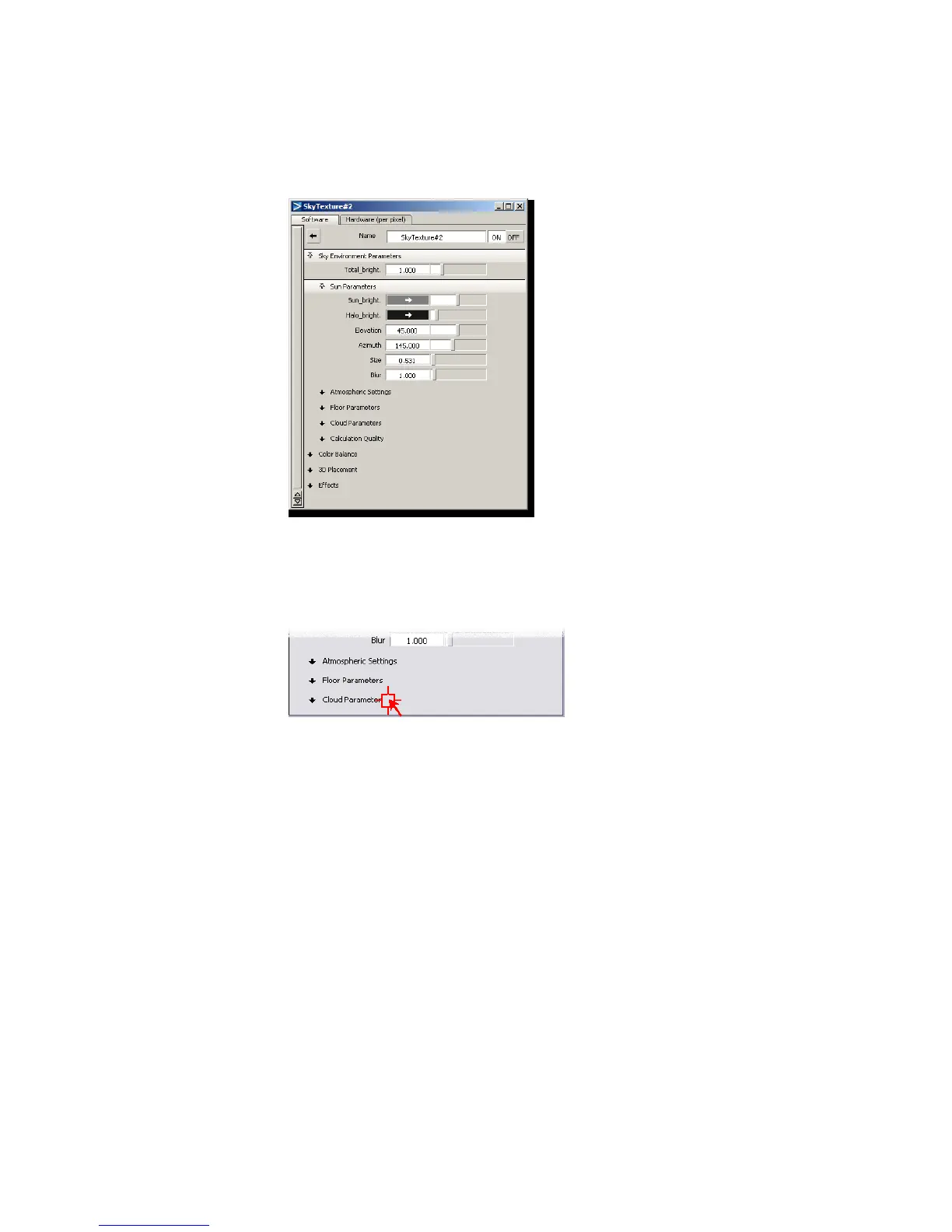
6 In the SkyTexture Control Window, click the Cloud Parameters
tab.
This section contains variables that control the clouds in the sky.
Currently, there are no clouds in the sky texture, as you can see in the
Multi-lister swatch. One way to create clouds is to map a
two-dimensional texture to the Cloud texture variable.
7 Click the Map button next to the Cloud texture variable.
696 | Chapter 11 More rendering



 To Next Page