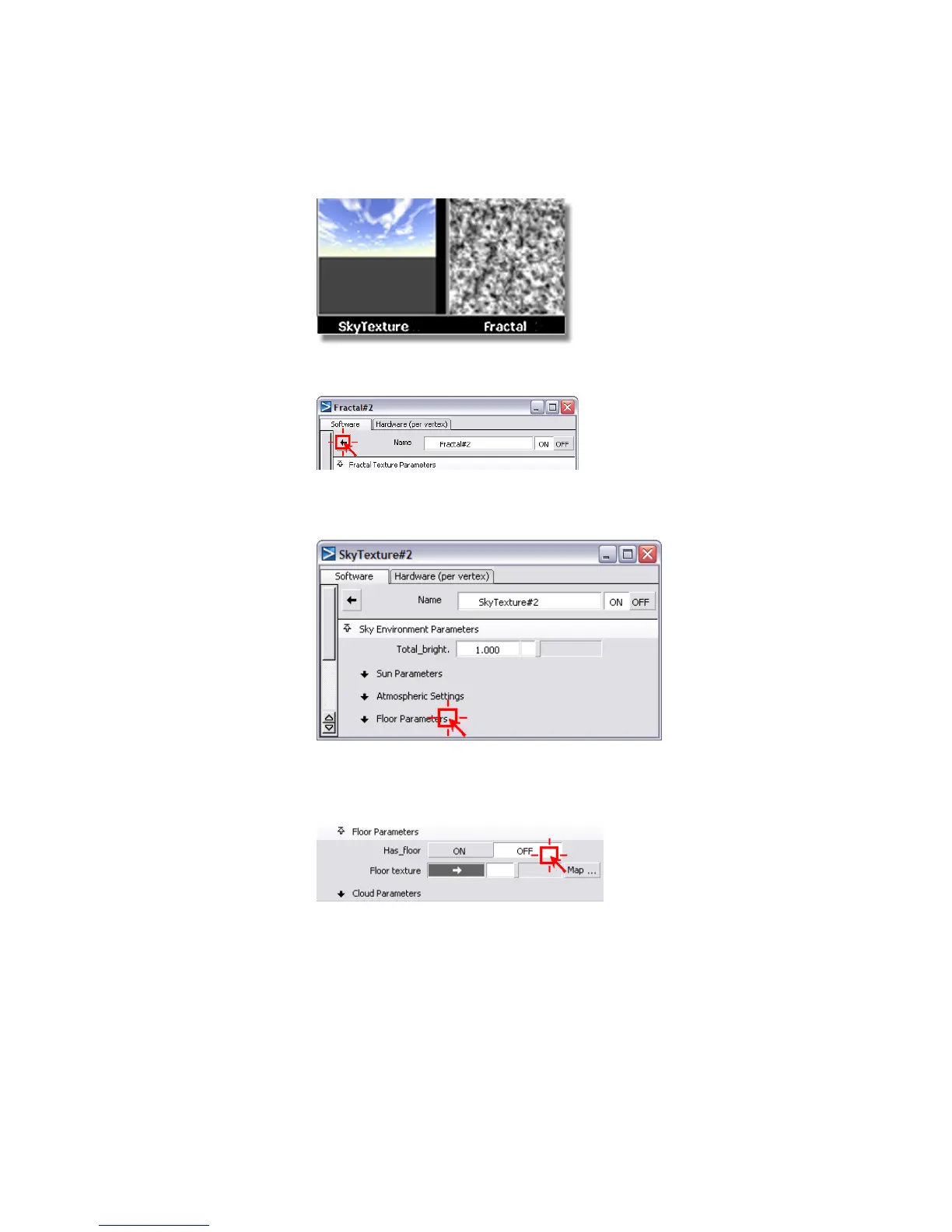
9 Click the left arrow at the top of the Fractal control window.
This brings you back to the SkyTexture control window.
10 Click the Floor Parameters tab to open this section.
11 Click the OFF option next to the variable Has_Floor. This turns off the
default floor in the Sky texture. We do not need the floor, because the
table top obscures the ground.
The floor disappears from the SkyTexture swatch in the Multi-lister.
Part 2: Creating a background environment | 699



 To Next Page