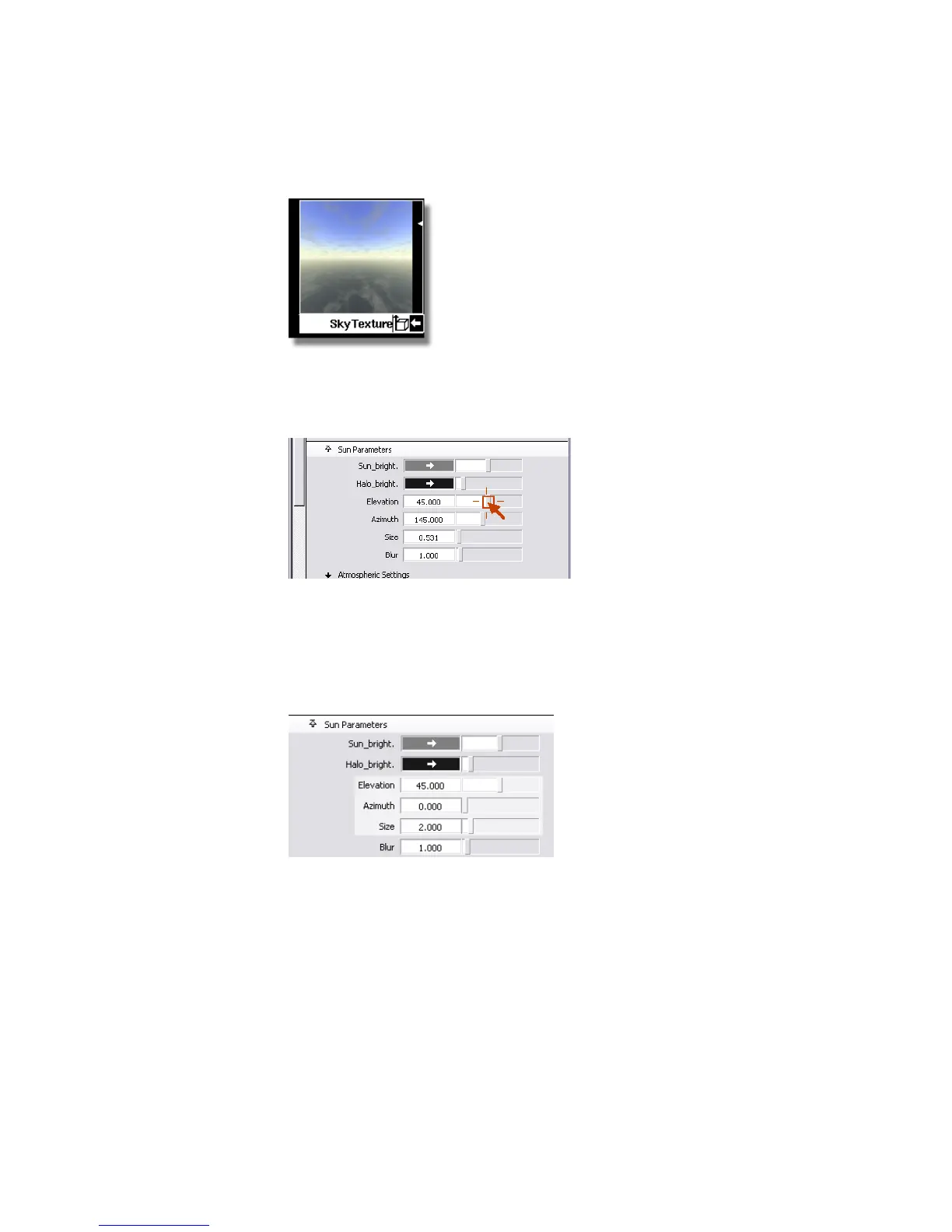
12 In the Sun_Parameters section, drag the slider in the Elevation field
down towards zero. Notice that the sky texture in the Multi-lister
becomes orange, as it does in real life at sunset, and finally black.
Now, drag the slider back to its maximum value. Notice how the sky
texture changes from black to orange and finally to a very bright washed
out color.
Set the Elevation value to 40, to mimic the sun at noon. Change the
size of the sun variable from a value of 0.531 to 2.0 and change the
azimuth value from 145.0 to 0.0.
The SkyTexture swatch updates.
700 | Chapter 11 More rendering



 To Next Page