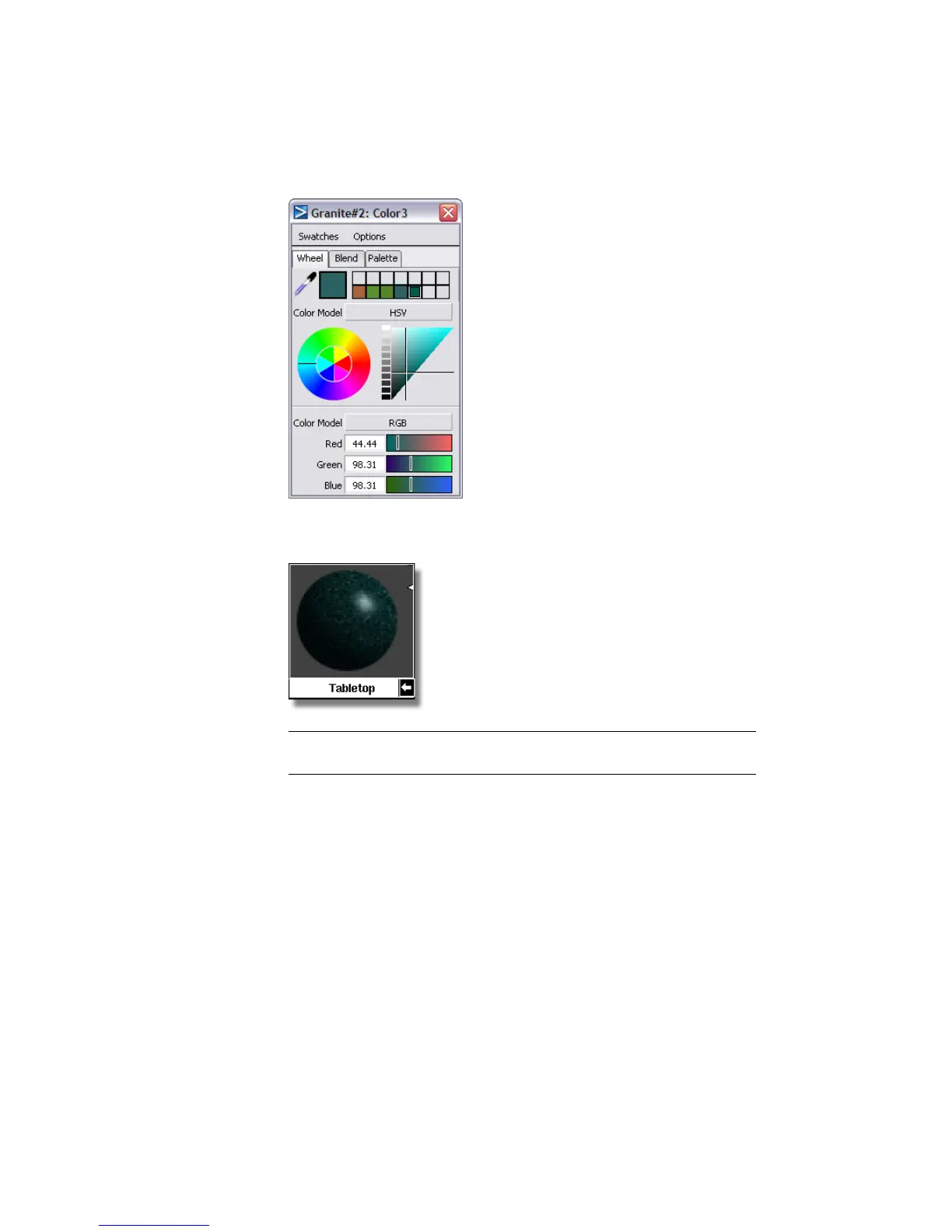
10 Look at the Tabletop swatch in the Multi-lister. It displays the edited
Granite texture.
NOTE The flat brown shader originally assigned to the Tabletop shader is
invisible, because color textures supersede the shader color.
11 Close the Color Editor, Granite Control Window, and Multi-lister.
Rendering the scene
Now, you will render the scene to see the granite texture on the tabletop.
1 Select the Render command (Render > Render).
The File Browser opens to the pix directory of the Lessons project.
2 Click the Save button to overwrite the previous file named render4.
708 | Chapter 11 More rendering



 To Next Page