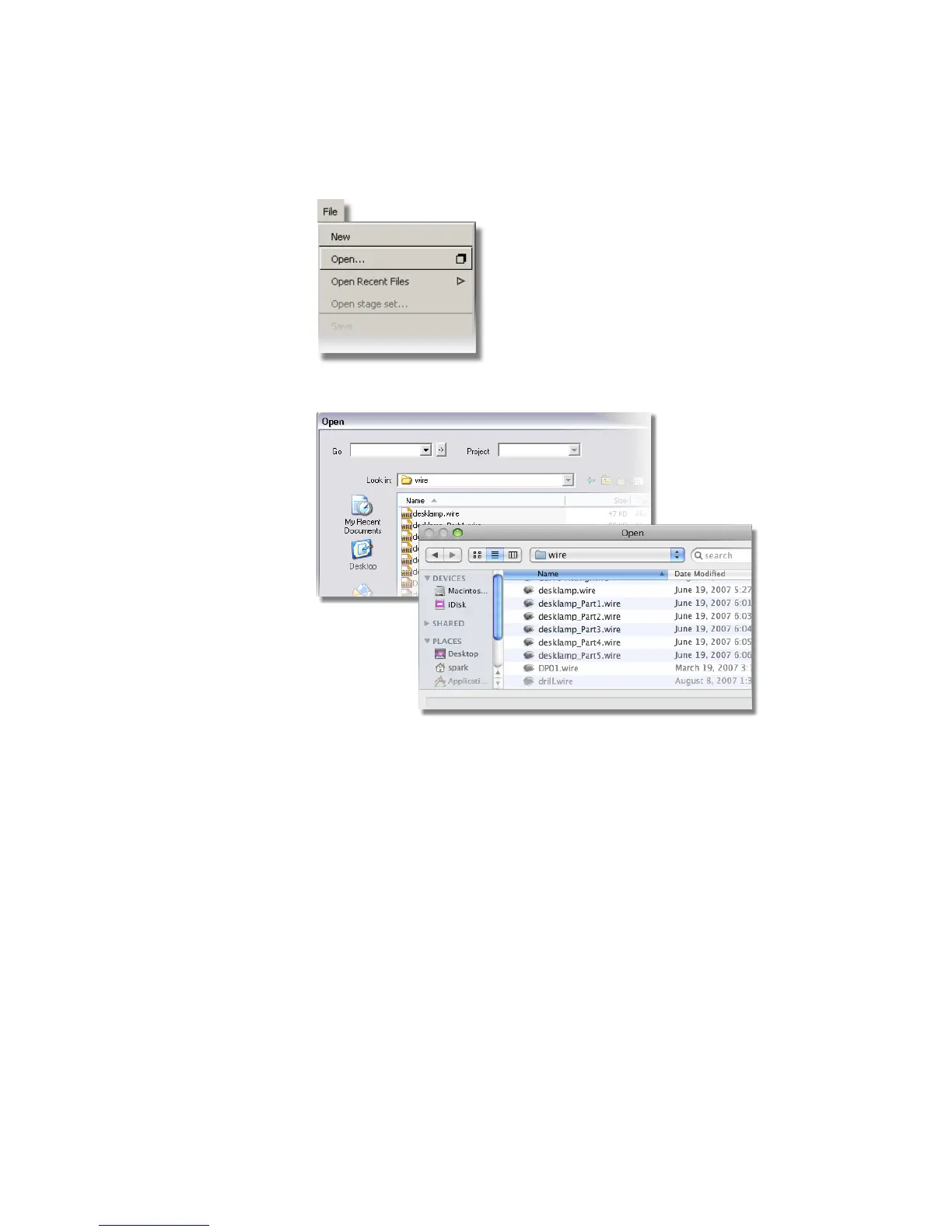
The file browser window appears.
If the desklamp file is shown, jump to step 2. If not, follow the next steps
to set up the CourseWare directory.
On Windows, click the arrow next to the Go field and select Projects
to open the user_data directory.
Beginning a Model | 83



 To Next Page