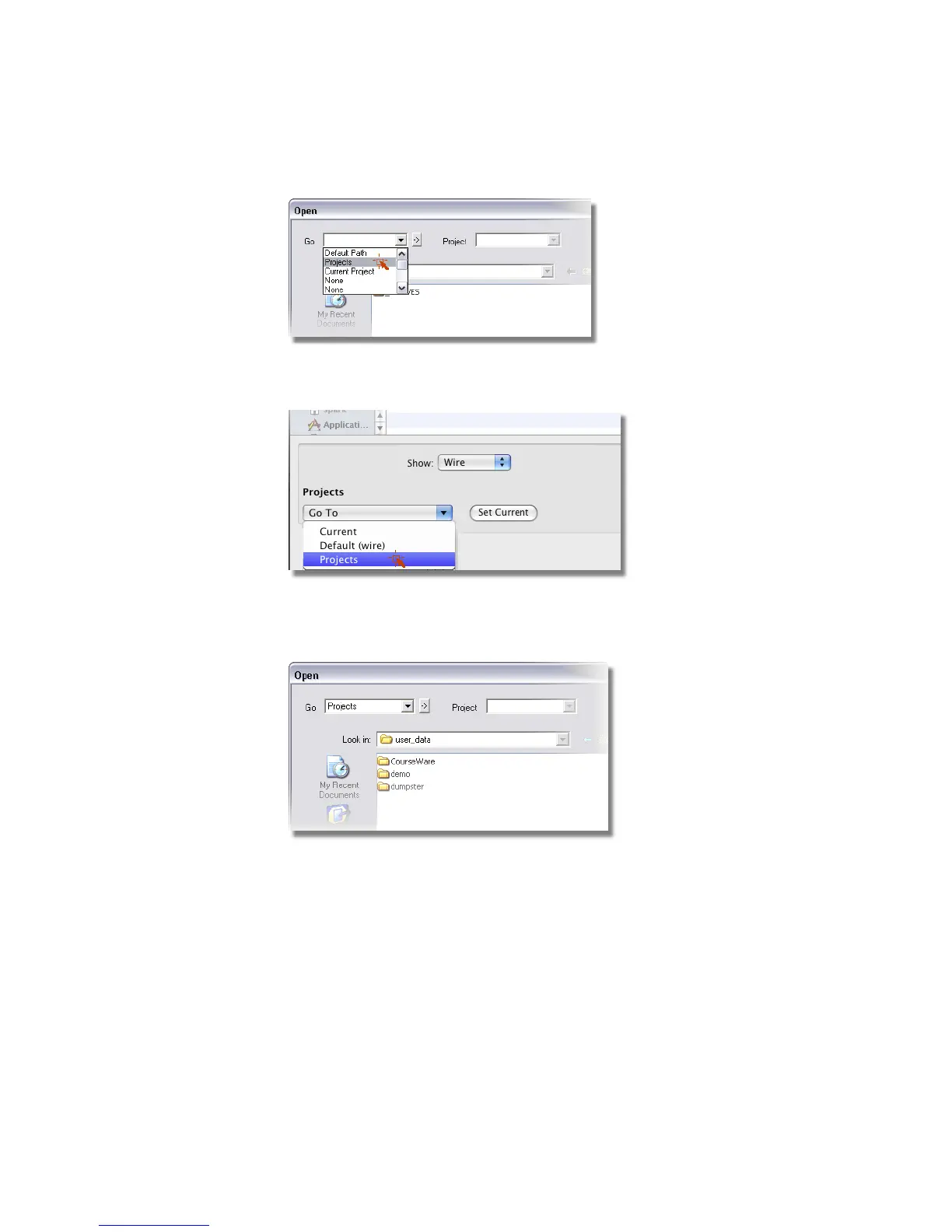
On Mac OS X, select Projects from the Projects drop-down list to open
the user_data directory.
The projects in the user_data directory are displayed. If the CourseWare
project is not shown, refer to To install the courseware for use with Alias
on page 14.
Make the CourseWare directory the current project and open its wire
subdirectory as follows:
■ On Windows, click the CourseWare directory and choose Project >
Set Current.
84 | Chapter 4 Introduction to 3D



 To Next Page