Instructions for use Zeus Infinity Empowered SW 2.n 203
Monitoring
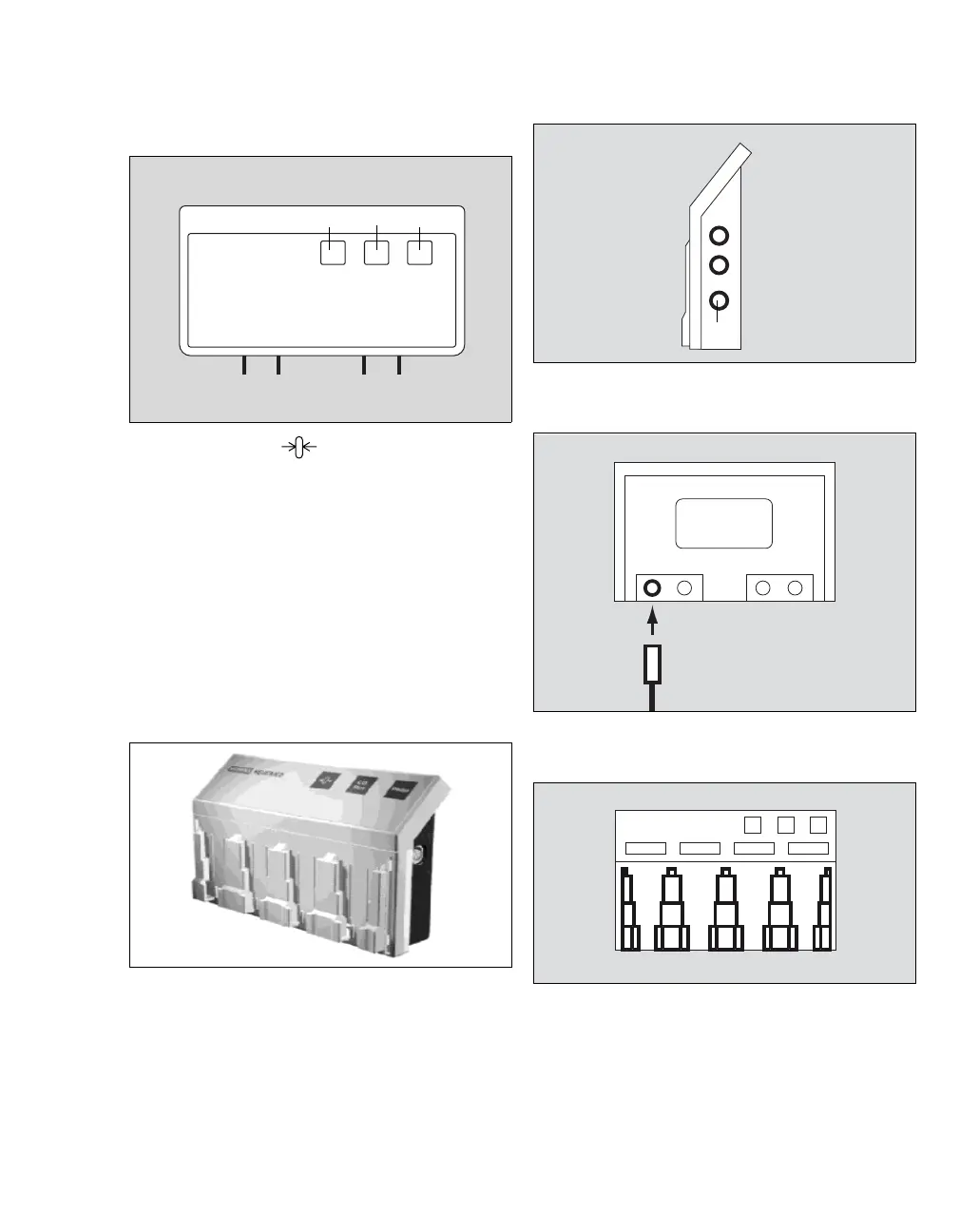
Quad Hemo Pod
J The SmartZero key performs the zeroing
of all pressure transducers connected to the
module which are open to atmospheric pres-
sure.
K The C.O. Start key starts measuring cardiac
output.
L The Wedge key starts measuring pulmonary
wedge pressure.
Connecting hemodynamic modules (pods)
Connecting Hemo2, Hemo4 and HemoMed
1 Establish a connection to the Zeus IE connec-
tion field.
On the HemoMed Pod, the connection (M) for
Zeus IE is located on the left side.
On the Hemo2 and Hemo4 Pods, the connection
(N) for Zeus IE is located on the right side.
2 Connect pressure transducer cables (O) to the
adapter block on the rear of the module.
3 Insert the pressure transducers (P) on the front
panel of the module. Insert the pressure trans-
ducers into the slide-in compartment corre-
sponding to the module connection.
103135
JKL
M
133160158
N
O
P











 To Next Page