Instructions for use Zeus Infinity Empowered SW 2.n 221
Monitoring
NIBP screen display
Zeus IE displays the non-invasive blood pressure
as a numerical value and as a trend. The NIBP pa-
rameter box shows the status during and after
measurement. The following is displayed:
– Systolic blood pressure
– Diastolic blood pressure
– Mean blood pressure
– Time of measurement
– Bar graph (progress indicator) for the time until
the next measurement
Additionally after touching the Display all button
(prerequisite: Display all button has been config-
ured, see page 332):
– Currently set alarm limits
Extended display of NIBP measurements
In the dialog window Screen setup > Screen lay-
out > Data, other representations of the NIBP pa-
rameter box can be configured, see page 332:
– NIBP double size (display twice the width)
– NIBP trend (display as graphic trend over
30 min)
Settings on Zeus IE
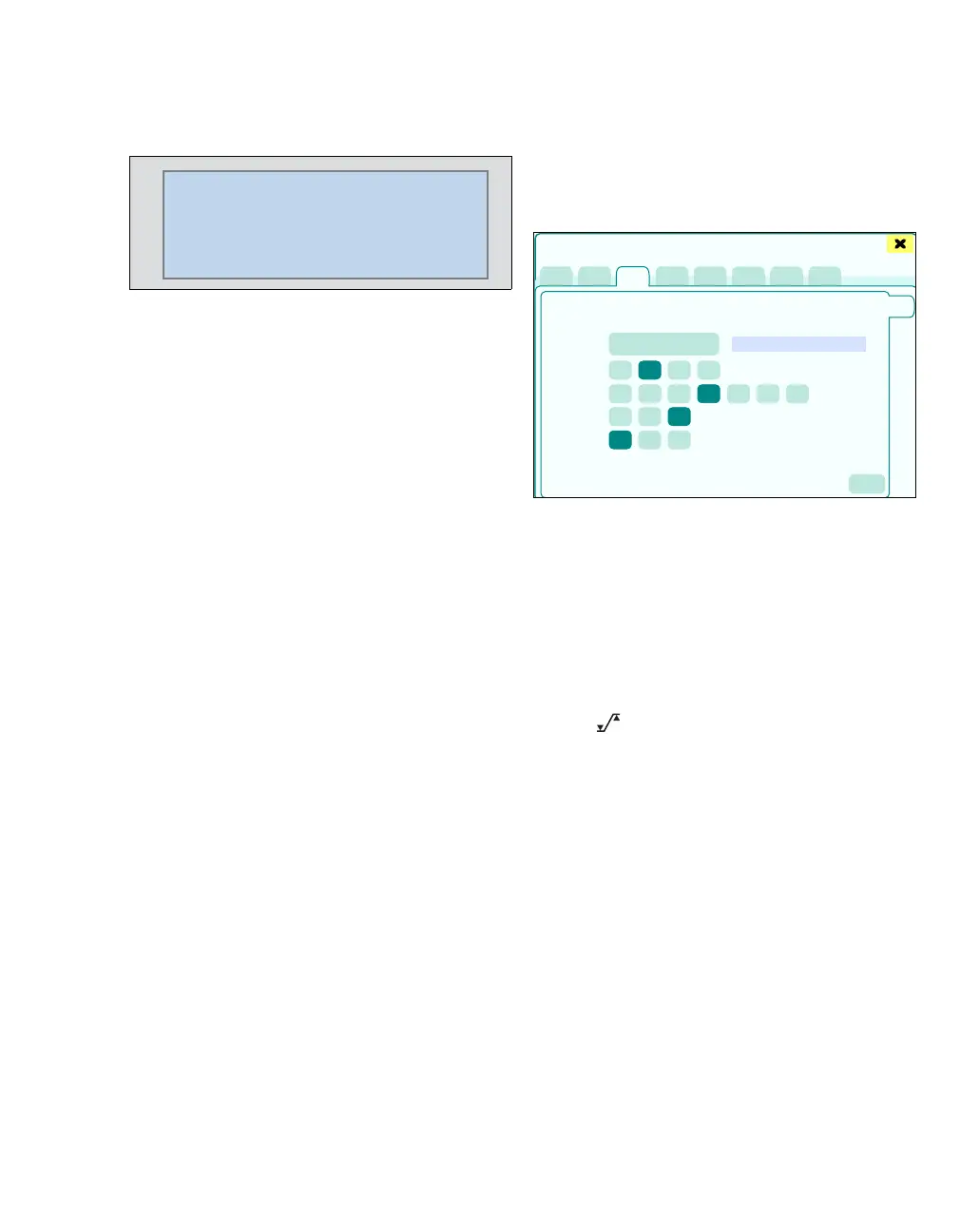
z Touch the NIBP tab (A).
The dialog window for NIBP monitoring appears.
This page displays:
B NIBP start (start measurement)
C Measured values
D NIBP mode: Single, Auto, Venous stasis,
Cont. 5 Min.
E NIBP cycle time [min] (measuring interval for
a series of single measurements in Auto mode)
F Inflation limit (Stasis: Set maximum cuff pres-
sure in mmHg, Cuff Set patient category)
G Parameter with alarm: S, D, M
H The button opens the Alarms > Alarm lim-
its > Noninvasive dialog window for alarm limit
setting.
If the Auto button is touched, the Auto mode
paused message appears.
221
115/81
(64)
160
90
10:34 AM
NIBP
mmHg
Auto
Paused
S
393
A
B
C
D
E
F
G
H
I
Sensors/Parameters











 To Next Page