Instructions for use Zeus Infinity Empowered SW 2.n 343
Configuration
Date, time
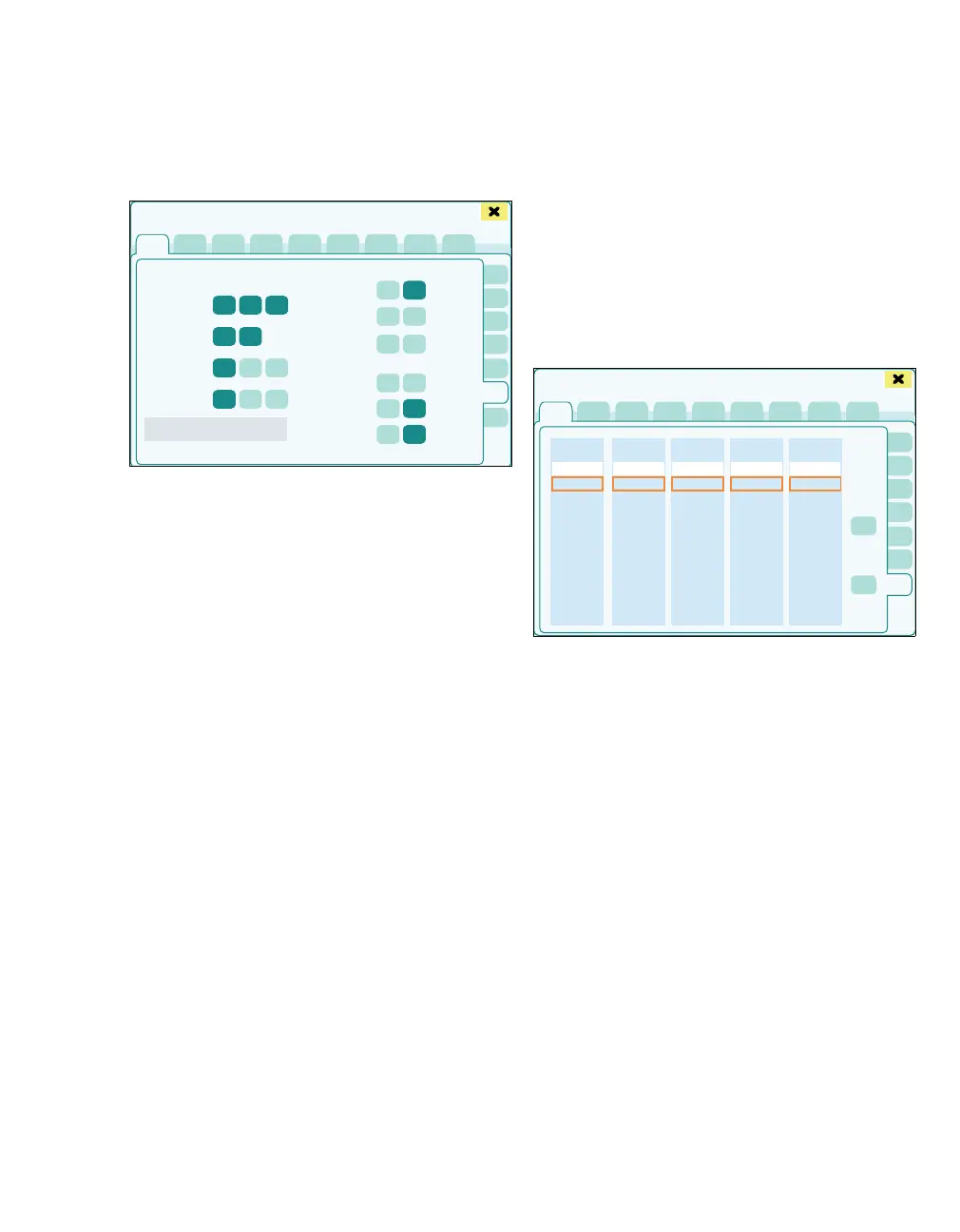
The General settings > Date/Time page opens.
The following settings can be configured:
A Date
B Time
If the date and time settings are changed, the color
of the button (J) switches to green. After touching
the button (J), the local clock of the device is ad-
justed to these settings and the settings are trans-
ferred to the Infinity Network (if available).
C Date format: Default, M-D-Y, D-M-Y
D Time format: Default, 12, 24
E Constant readiness for operation: On, Off
When the function is activated, a continuous
working day is defined. The gas measurement
is then permanently ready for use. The buttons
for the start and end of the working day are not
active.
F Operating time begins at: Enter time
G Operating time ends at: Enter time
H Time-controlled self test starts at: Enter time
I Time-controlled self test: On, Off
J Autostart self test after power up: On, Off
K Apply date/time
If Zeus IE is in an Infinity network, the date and time
are specified by the network.
The information (L) Time synchronization with
Infinity network is active. is displayed.
Sorting trends
The General settings > Trend order page opens.
On the Trend order page, each column (A) corre-
sponds to a certain tabular trend. The order in
which the parameters in the respective trend are
displayed can be configured with the buttons (B).
1 Touch the Trend order tab (C).
2 Touch the parameter or select it with the rotary
knob.
3 Set the desired order with the buttons (B).
441
Basic settings
A
B
C
D
E
F
G
H
I
J
K
L
493
Basic settings
A
A
A
A
A
B
B
C











 To Next Page