MPC5553/MPC5554 Microcontroller Reference Manual, Rev. 5
Freescale Semiconductor 17-29
An output compare match can be simulated in software by setting the FORCMA bit in EMIOS_CCRn. In
this case, the FLAG bit is not set.
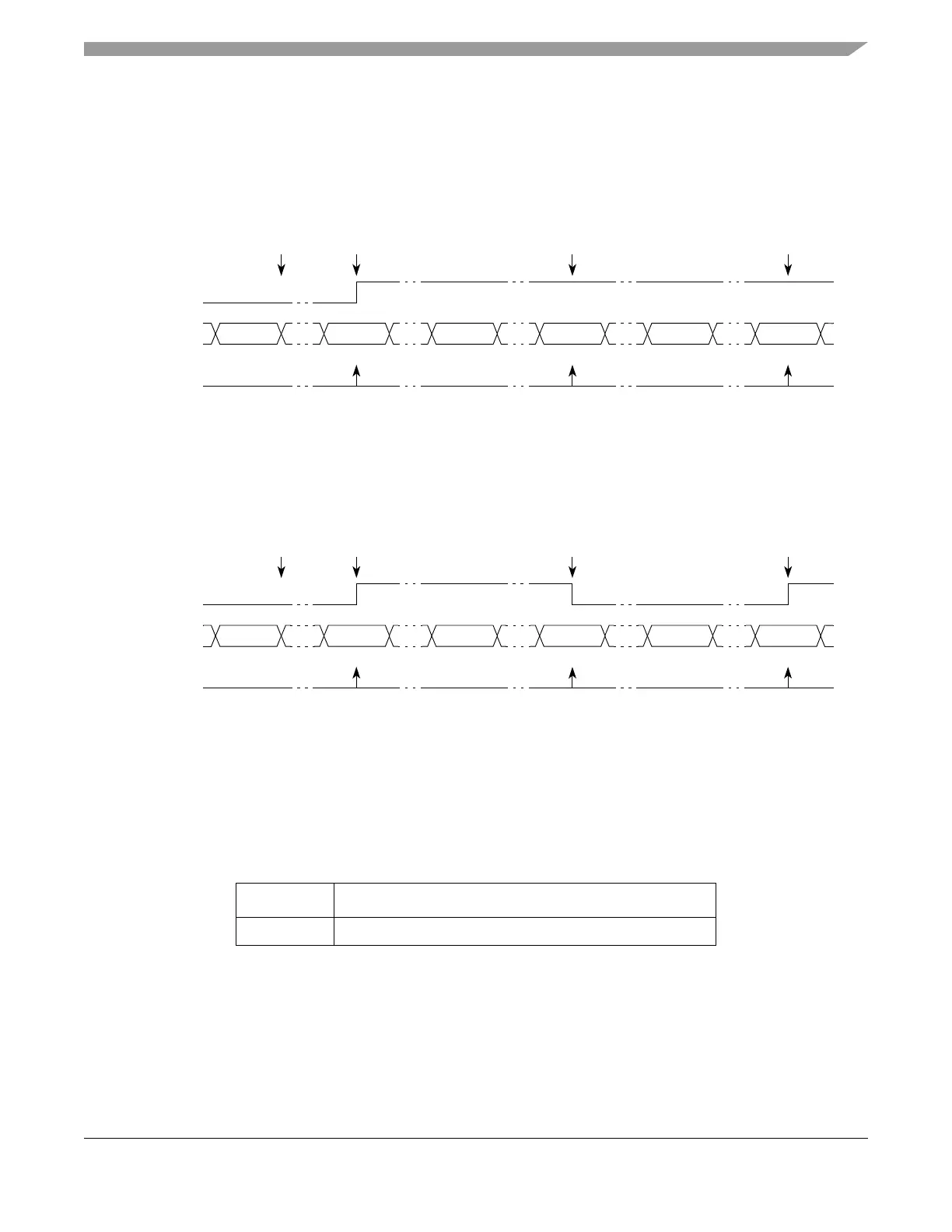
Figure 17-16 and Figure 17-17 show how the unified channel can be used to perform a single output
compare with EDPOL value being transferred to the output flip-flop and toggling the output flip-flop at
each match, respectively.
Figure 17-16. SAOC Example with EDPOL Value Transferred to the Output Flip-flop
Figure 17-17. SAOC Example Toggling the Output Flip-flop
17.4.4.4.4 Input Pulse Width Measurement Mode (IPWM)
The IPWM mode allows the measurement of the width of a positive or negative pulse by capturing the
leading edge on register B1 and the trailing edge on register A2. Successive captures are done on
consecutive edges of opposite polarity. The leading edge sensitivity (that is, pulse polarity) is selected by
EDPOL bit in the EMIOS_CCRn. Registers EMIOS_CADRn and EMIOS_CBDRn return the values in
register A2 and B1, respectively.
Table 17-17. Mode of Operation: IPWM Mode
MODE[0:6] Unified Channel Mode of Operation
0b0000100 Input Pulse Width Measurement Mode
Selected
Counter Bus
FLAG
Set Event
A1 Match A1 Match A1 Match
0xxxxxxx 0x001000 0x001000 0x001000
Notes:
1
0x000500 0x001000 0x001100 0x001000 0x001100 0x001000
EMIOS_CADRn writes to A2.
A2 value transferred to A1 according to OUn bit.
Update to
A1
EDSEL = 0
Output
Flip-Flop
EDPOL = 1
A1 Value
1
0x001000
Selected
Counter Bus
FLAG
Set Event
A1 Match A1 Match A1 Match
0xxxxxxx 0x001000 0x001000 0x001000
Notes:
1
0x000500 0x001000 0x001100 0x001000 0x001100 0x001000
EMIOS_CADRn writes to A2.
A2value transferred to A1 according to OUn bit.
Update to
A1
EDSEL = 1
Output
Flip-Flop
EDPOL = x
A1 Value
1
0x001000



 To Next Page