214733 87 Revision A
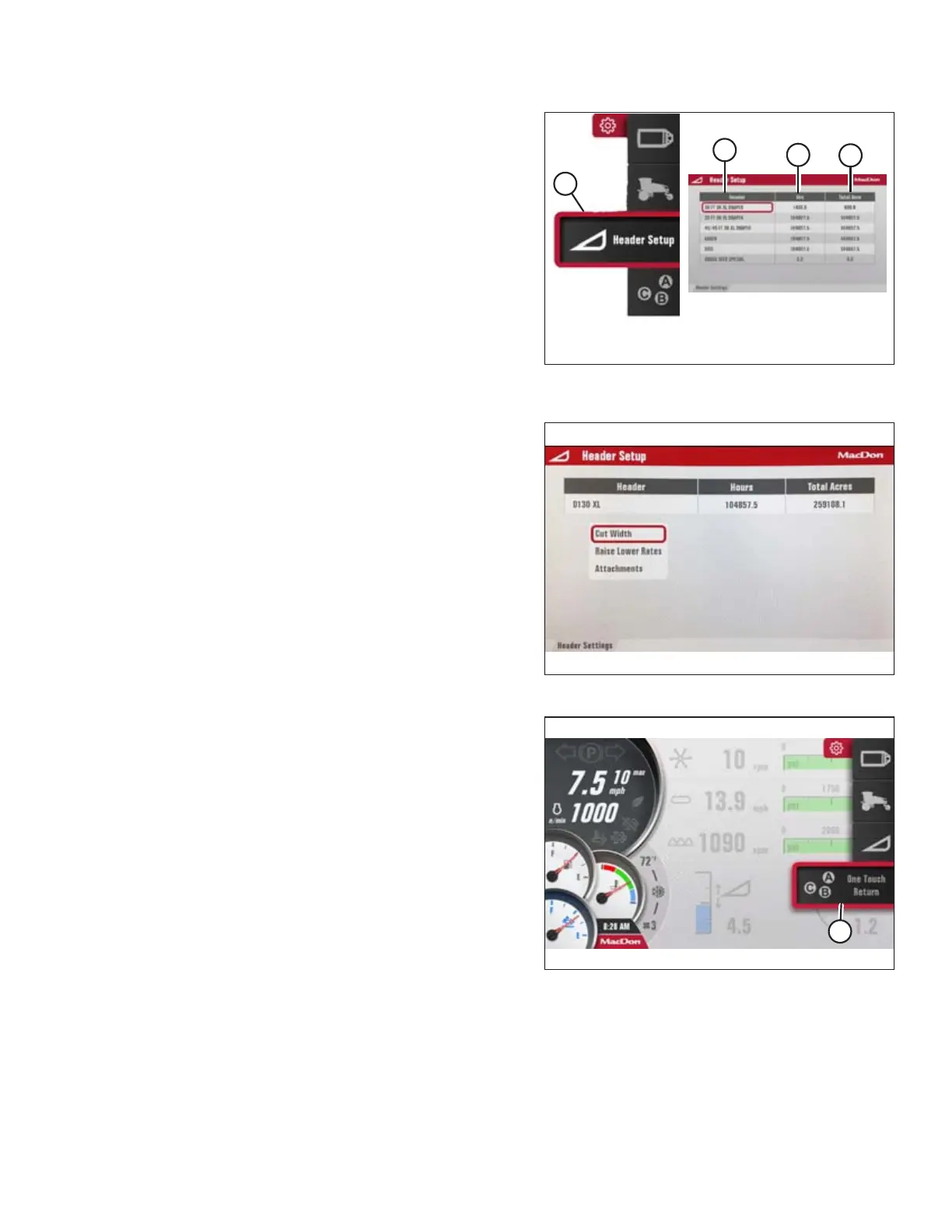
Figure 3.87: Header Settings Icon and Set-Up Header
Menu List
Header Setup: Icon (A) opens the SET-UP HEADER menu list.
NOTE:
The F4 shortcut button on the operator’s console also displays
the SET-UP HEADER menu list.
• Header Type (B)
• Hours Used (C)
• Total Acres (D)
Figure 3.88: Header Setup Menu
After the header is selected, the HEADER SETUP menu opens,
which includes:
• Cut Width
• Raise/Lower Rates
• Attachments
Figure 3.89: One-Touch-Return Icon and
One-Touch-Return Menu List
One-Touch-Return: Icon (A) displays the One-Touch-Return
menu list.
NOTE:
The F2 shortcut button on the operator’s console also displays
the One-Touch-Return menu list.
OPERATOR’S STATION



 To Next Page