214733 88 Revision A
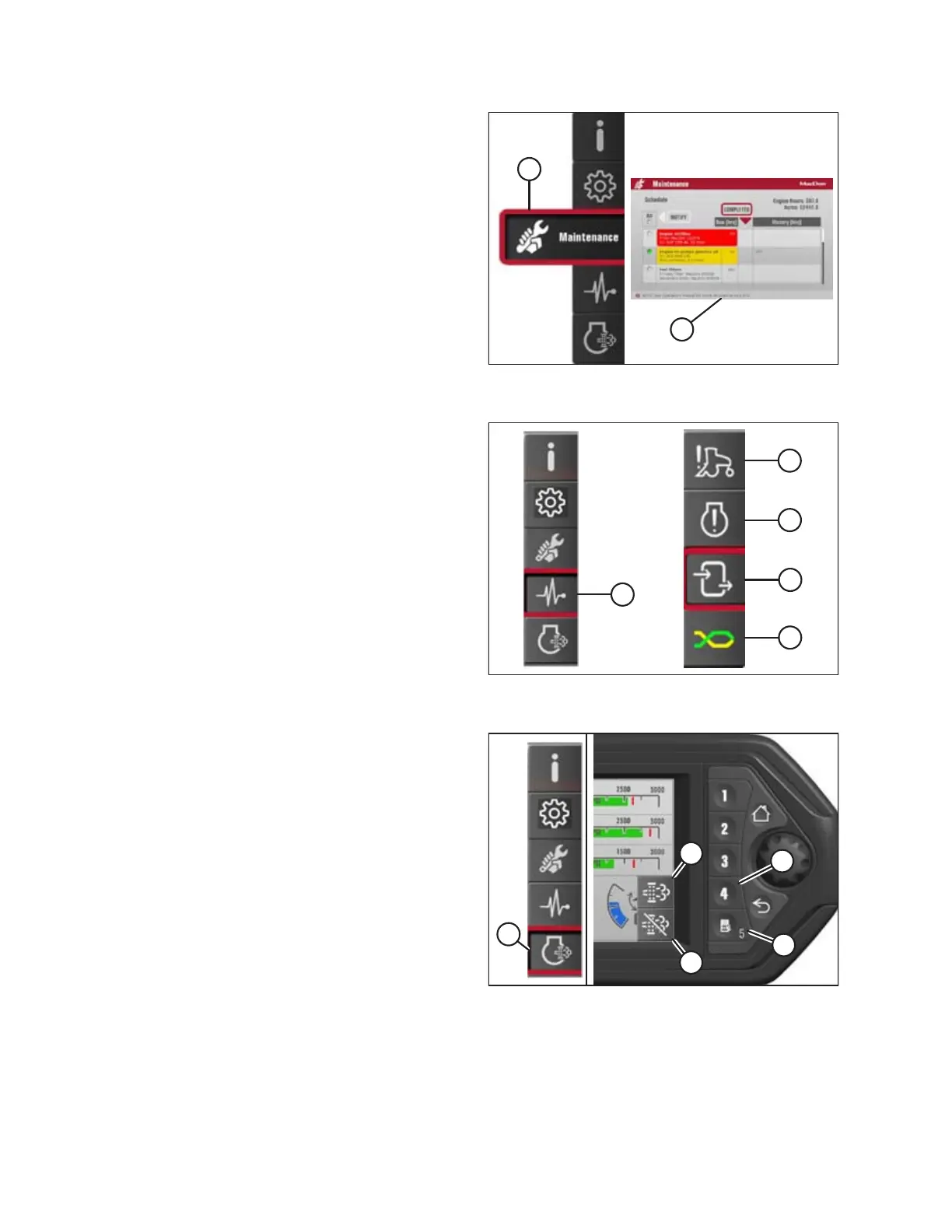
Figure 3.90: Maintenance Icon and Maintenance
Menu List
Maintenance: Icon (A) opens the maintenance menu list (B).
Refer to 5.2.3 Electronic Maintenance Tool, page 255.
Figure 3.91: Diagnostics Icon and Diagnostics
Submenu Icons
Diagnostics: Icon (A) displays the following submenu icons:
• Windrower Fault Codes (B)
• Engine Fault Codes (C)
• Inputs/Outputs (D)
• Can Network (E)
Figure 3.92: Engine Aftertreatment Icon and Soft Keys
Engine Aftertreatment: Icon (A)
• Soft key 4 (B) activates the initiate manual SCR conditioning
command, and the initiate icon (D) will become highlighted
on the display
• Soft key 5 (C) activates the inhibit SCR conditioning
command, and the inhibit icon (E) will become highlighted
on the display
OPERATOR’S STATION



 To Next Page