214733 97 Revision A
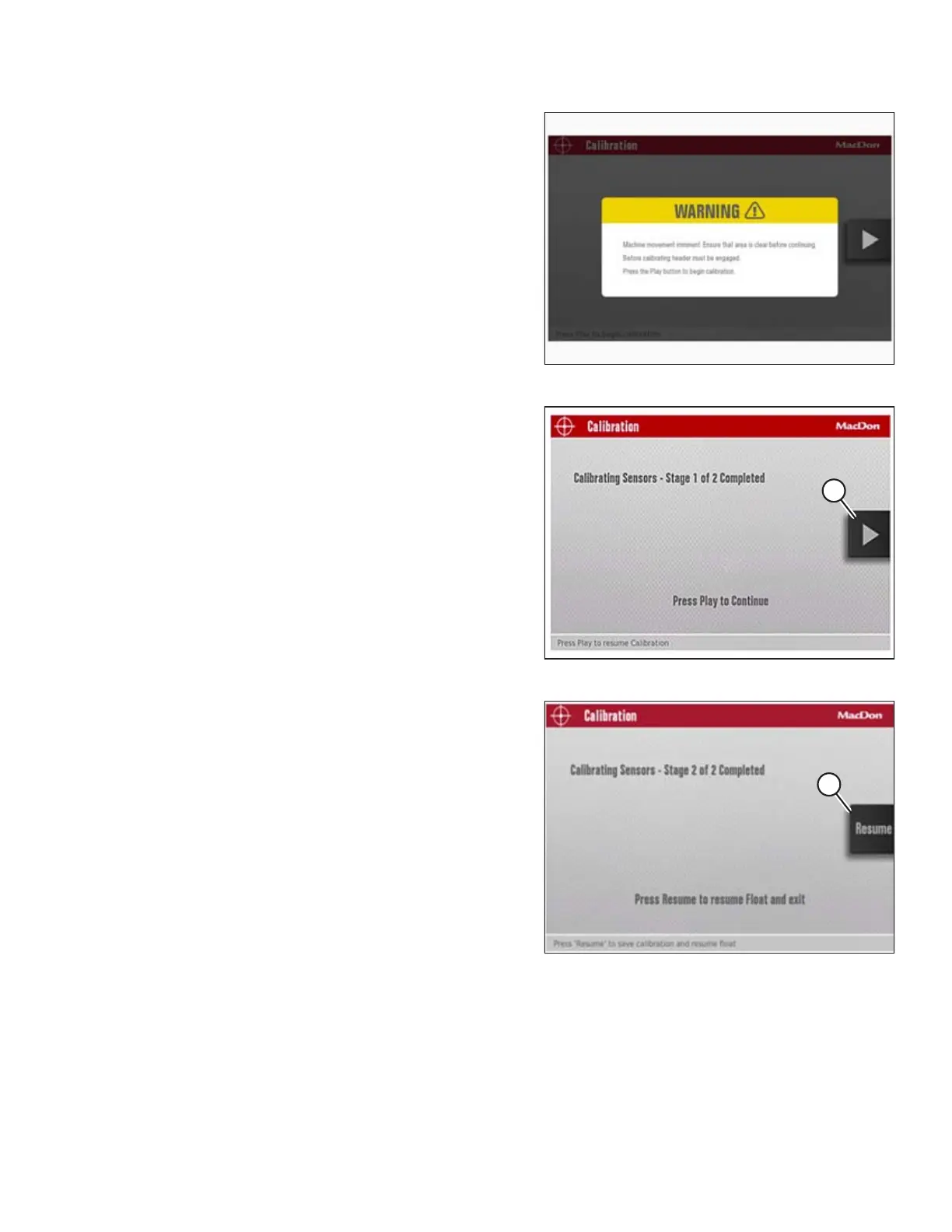
Figure 3.109: Calibration Page
8. Select CALIBRATION WITH HEADER ENGAGED to display the
calibration page as shown at right.
9. Press the PLAY button on the screen to begin the
calibration process.
NOTE:
If the engine speed is less than 1500 rpm when you press
the PLAY button, the calibration system will accelerate the
engine to 1500 rpm.
Figure 3.110: Calibration Page
10. When Stage 1 of the calibration is complete, press the PLAY
button (A) on the screen to continue with Stage 2 of the
calibration process.
Figure 3.111: Calibration Page
11. When Stage 2 of the calibration is complete, press the
RESUME button (A) on the screen to set HEADER FLOAT, or
press the HOME or BACK button (not shown) to exit
without setting the float.
OPERATOR’S STATION



 To Next Page