2 Display basics Touch screen basics
Item Action Explanation
Buttons and
selectors
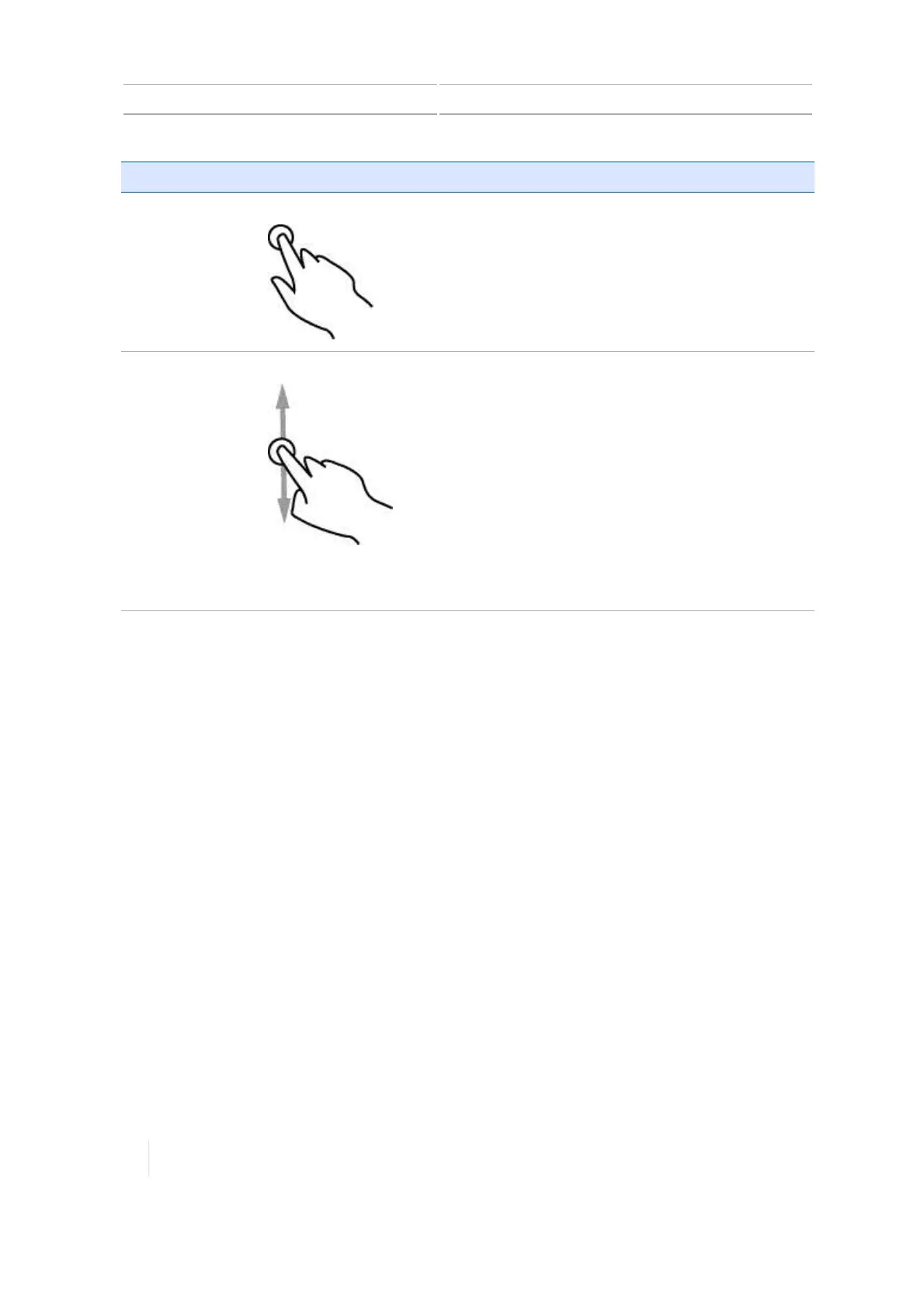
Tapping
Tap
means to touch a point on the screen and
then remove your finger from the screen.
A tap is a single touch. You do not move your
finger while touching the screen. You tap
buttons, items in lists, points on a range, and
so on.
Lists Scrolling When a list has more items than fit on a screen
or in a box, you can move the list to see all items
by scrolling up, down, or side to side. To scroll:
1. Touch anywhere in the list and hold your
finger on the screen.
2. Move your finger in the direction that you
want to move the list - left, right, up or
down.
3. Remove your finger when you are satisfied
with the position of the list.
For examples of lists, see Lists, 44.
42 TMX-2050 Display User Guide Version 1.075, Revision C



 To Next Page