Instructions for use Zeus Infinity Empowered SW 2.n 215
Monitoring
Settings on Zeus IE
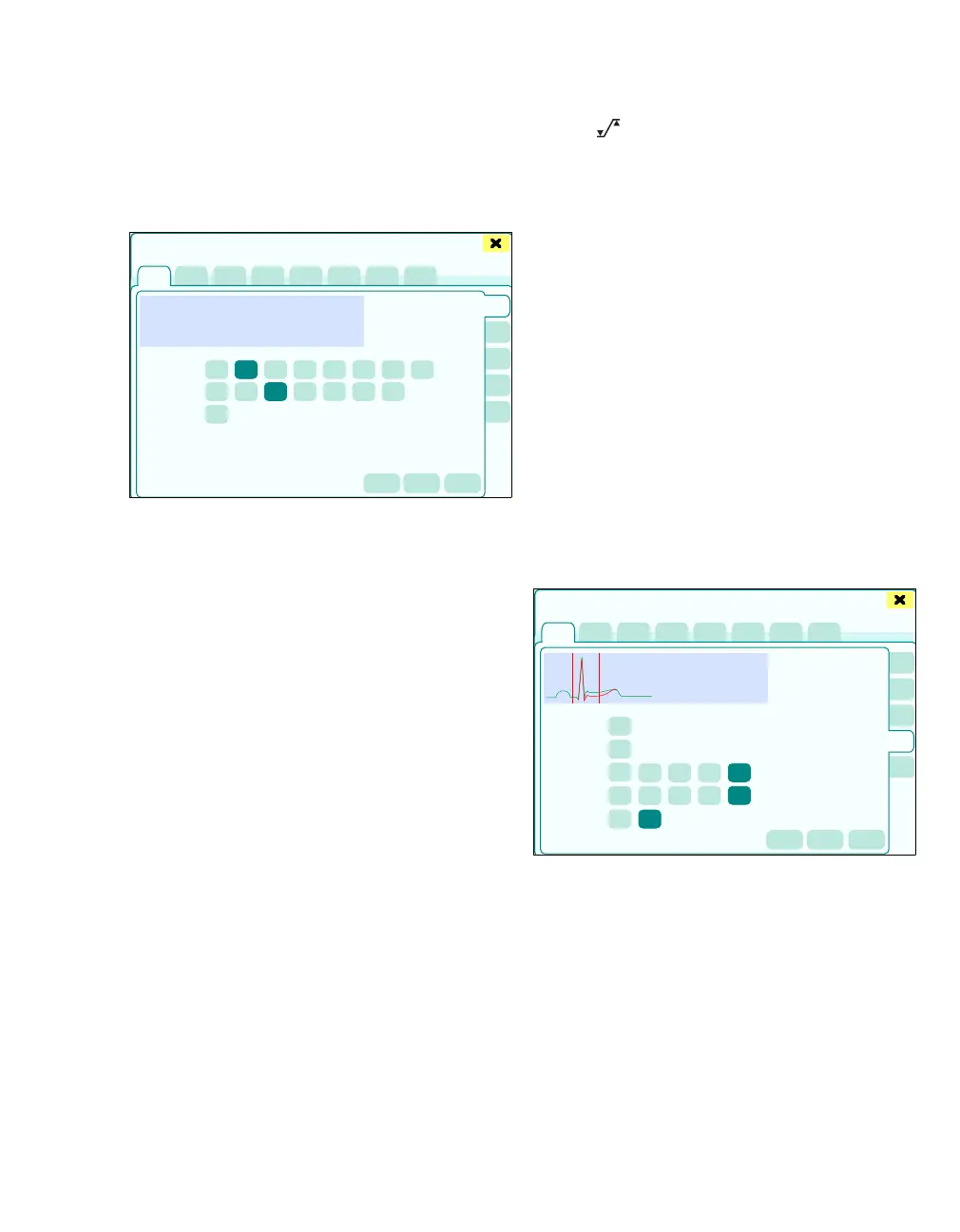
z Touch the ECG tab (A).
The dialog window for ECG monitoring appears.
The dialog window displays the screens for setting
ECG functions:
B ECG HR/PLS (First ECG channel)
C ECG ST (Second ECG channel)
D ECG C.O. (Third ECG channel)
E ST segm. (ST segment analysis)
F More ECG
The possible settings of the three ECGs (ECG
HR/PLS, ECG ST, ECG C.O.) are identical.
G Waveform display of the respective ECG lead
H ECG lead
I ECG amplitude
The normal QRS detection threshold of the
monitor lies at approx. 0.35 mV depending on
the QRS width. This threshold is used for chan-
nel amplitude x0.25, x0.5, x1, x2, x4.
For a channel amplitude of x8, the QRS detec-
tion threshold is reduced to approx. 0.2 mV. In
this case, these QRS complexes of low ampli-
tude can be included in calculating the heart
rate at a QRS width of 70 and 120 ms.
J Pulse tone volume [%]
K Autoscale all causes automatic rescaling of all
ECG leads once
L Relearn: Manual starting of the ECG learning
phase, e.g., in order to redetermine the refer-
ence QRS complex after electrode reposition-
ing
M The button opens the Alarms > Alarm lim-
its > Noninvasive dialog window for alarm limit
setting.
N Auto: Waveform scaling is adapted on a contin-
uous basis. The maximum level selectable is
x4.
ST segment analysis
With the ST analysis, QRS complexes, which have
been classified as normal beats, are analyzed by
three to seven (optional) selected ECG derivatives.
Zeus IE learns each ST derivative, whereby the
measured values and morphology of normal beats
are collected in an average QRS complex. ST devi-
ations are created in the comparison to this aver-
age. If ST deviation is switched on, ST values are
saved in the trend (see page 184).
Setting and evaluating the ST segment analysis:
z Touch the ST segm. tab (A).
389
Sensors/Parameters
A
B
C
D
E
F
G
H
I
J
K
L
M
N
391
Sensors/Parameters
A
C
D
E
F
G
H
I
J
B











 To Next Page