Monitoring
230
Instructions for use Zeus Infinity Empowered SW 2.n
When Hemo2/4 pods, which can save their own
designations, are connected results are as follows:
– The pod already has a pressure transducer ca-
ble connected to the viewed channel (transpor-
tation with patient). Zeus IE adopts the measur-
ing point setting of the pod and the previous
setting on Zeus IE is overwritten.
– The pod has no pressure transducer cable con-
nected to the viewed channel (new configura-
tion). Preselection of the measuring point is
taken over by Zeus IE. The pod saves this set-
ting. See also: Designation conflicts.
If a pressure transducer cable is connected to a
channel, the appropriate button turns dark green
(active). Open inputs are shown in light green (inac-
tive). The buttons in the matrix are never gray since
the preselection of a measuring point is possible on
any channel at any time.
Designation conflicts
The pressure designations are saved both in the
Hemo2 and Hemo4 Pods and in Zeus IE. Designa-
tion conflicts between module and Zeus IE occur
when a module with a previously saved catheter
position is reconnected to Zeus IE.
The pressure designation stored in the module has
priority if a pressure transducer is connected.
Settings on Zeus IE
Configuration
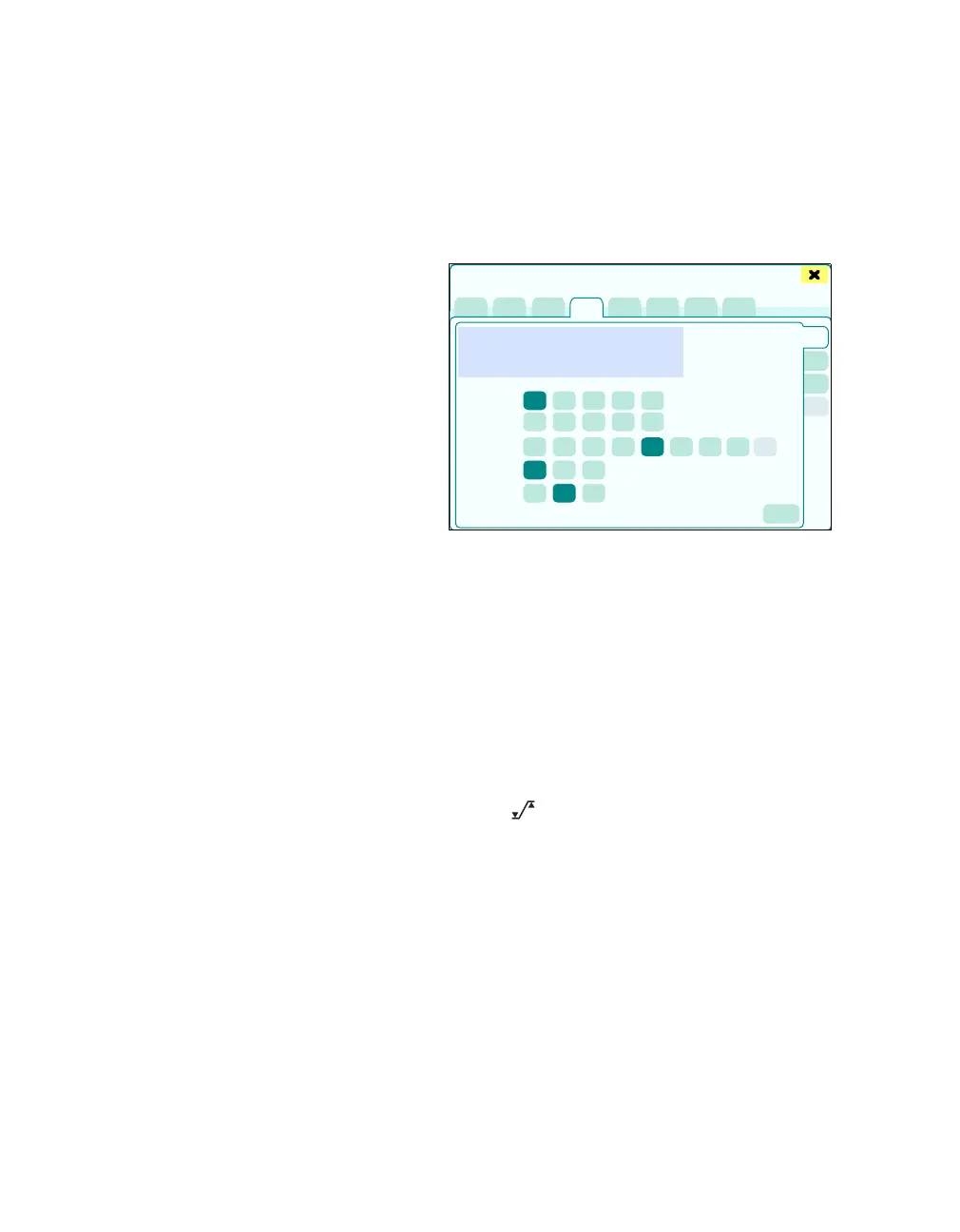
z In the Sensors/Parameters > IBP dialog win-
dow, touch the Config. tab (A).
The Config. page displays:
B The measured curve for the current catheter po-
sition
C IBP meas. site (ART, LV, PA, RV, CVP, RA, LA,
ICP, GP1, GP2)
D IBP scale: Amplitude setting for the respective
measuring point (Auto: Display optimized for
maximum and minimum values, ±25 mmHg
setting only selectable for ICP)
E Parameter with alarm: S, D, M (only for pulsat-
ing measuring points)
F IBP filter [Hz]: 8, 16, 32 (filter default for the
blood pressure channels)
G The button opens the Alarms > Alarm lim-
its > Invasive dialog window for alarm limit set-
ting.
395
Sensors/Parameters
A
B
C
D
E
F
G











 To Next Page