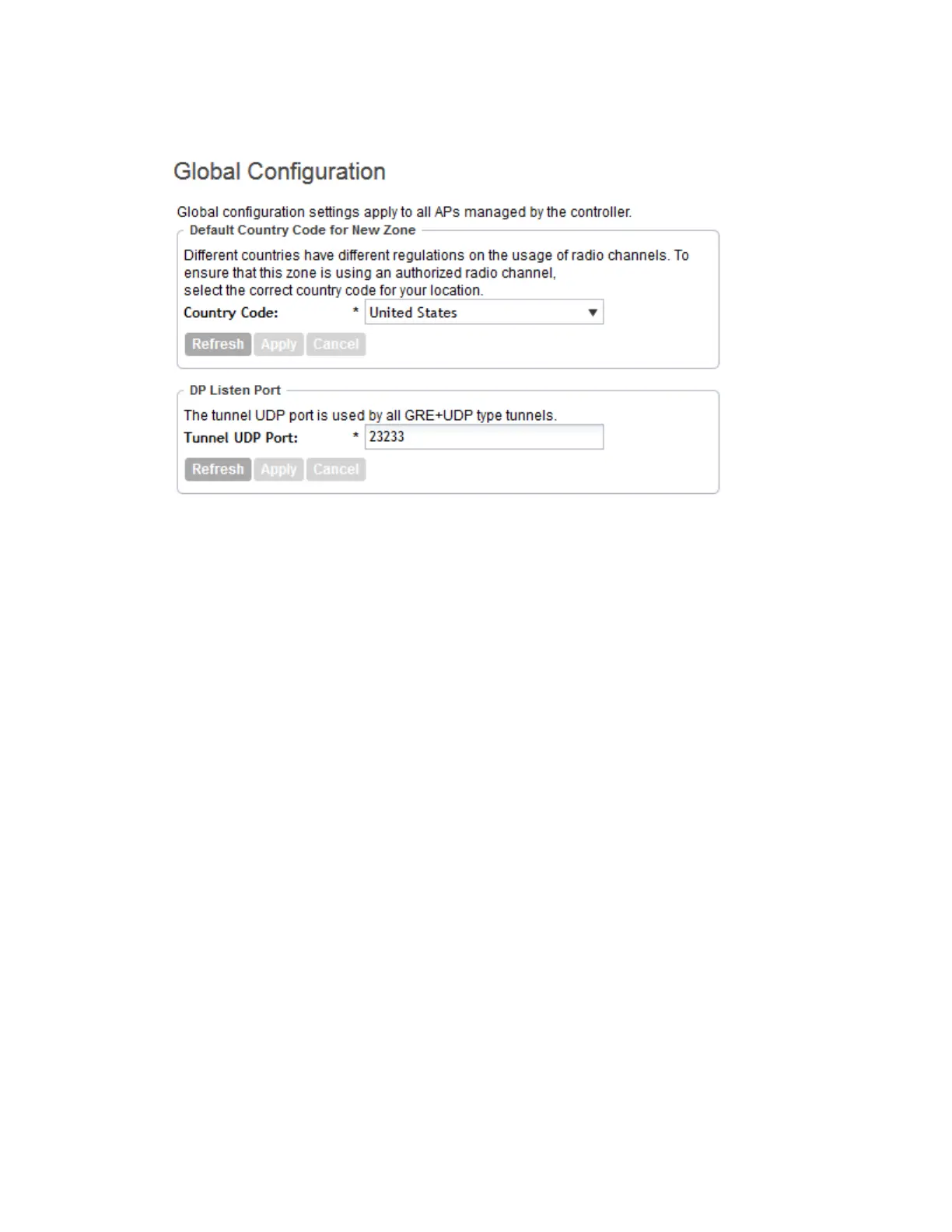
6. Click Apply to save the tunnel port number.
Figure 40: The AP Zone Global Configuration page
Creating AP Tunnel Profiles
This section describes the procedures for creating Ruckus GRE, SoftGRE, and IPsec tunnel
profiles.
Creating a Ruckus GRE Tunnel Profile
Creating AP Tunnel Profiles include the procedures for creating Ruckus GRE, SoftGRE, and
IPsec tunnel profiles.
Follow these steps to create a Ruckus GRE tunnel profile.
1. Go to Configuration > AP Zones.
2. On the sidebar, click AP Tunnel Profiles > Ruckus GRE.
The Ruckus GRE page appears.
3. Click Create New.
The Create Ruckus GRE Profile form appears.
4. Configure the following options.
DescriptionOption
Type a name for the profile that you are creating.Name
Type a short description of the profile.Description
SmartCell Gateway 200/Virtual SmartZone High-Scale for Release 3.4.1 Administrator Guide
102
Managing Global Configuration, AP Tunnel Profiles, Templates, and AP Registration Rules
Creating AP Tunnel Profiles



 To Next Page