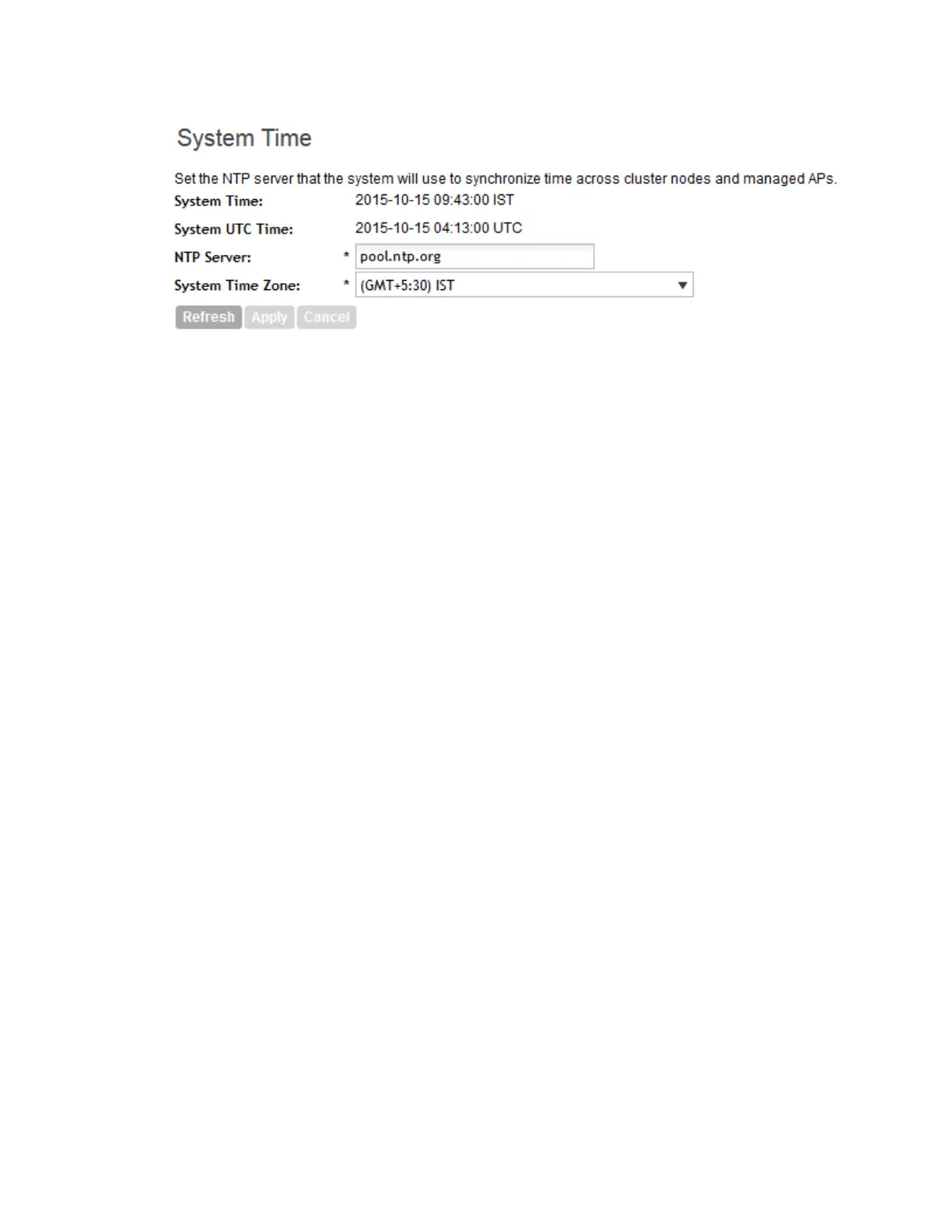
Figure 97: System time settings
How APs Synchronize Time with the Controller
When an AP joins the controller, it automatically synchronizes its time with the controller system
time. After that, the AP automatically synchronizes its time with the controller every day.
Configuring the Syslog Server Settings
The controller maintains an internal log file of current events and this file has a fixed capacity. At
a certain point, the controller will start deleting the oldest entries in log file to make room for
newer entries.
If you want to keep a permanent record of all events that the controller generated, you can
configure the controller to send the log contents to a syslog server on the network.
Follow these steps to configure the syslog server settings.
1. Go to Configuration > System.
2. Under General System Settings, click Syslog Server.
The Syslog Server Settings page appears.
3. Select the Enable logging to remote syslog server check box.
4. In Primary Syslog Server Address, type the IP address of the primary syslog server on the
network. In Port, type the syslog port number on the primary server. In Protocol, select the
UDP or TCP protocol as appropriate.
To verify that the controller can reach the syslog server that you want to use, click the Ping
Syslog Server button that is in the same row as the primary syslog server address. If the
syslog server is reachable, a flashing green circle and the message Success appear after
the Ping Syslog Server button.
5. If another syslog server exists on the network and you want to use it as backup in case the
primary systog server is unavailable, type its IP address in Secondary Syslog Server Address.
In Port, type the syslog port number on the secondary server. In Protocol, select the UDP
or TCP protocol as appropriate.
SmartCell Gateway 200/Virtual SmartZone High-Scale for Release 3.4.1 Administrator Guide
204
Configuring the System Settings
Configuring General System Settings



 To Next Page