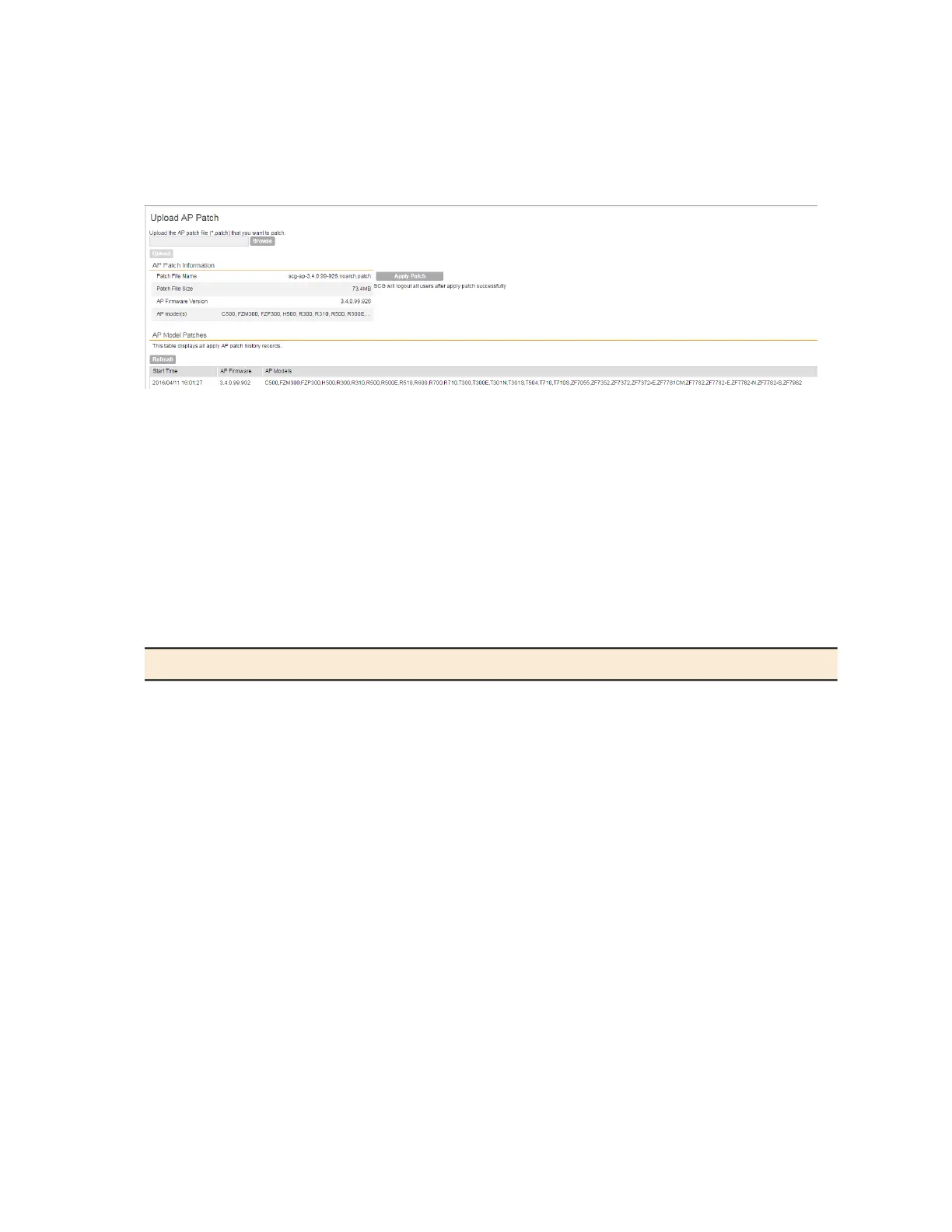
You have successfully updated the AP models and AP firmware with the patch file, without
having to upgrade the controller software.
Figure 228: Uploading AP patch files
Working with Logs
This section describes the logs that are available in the controller and how to download them.
Available System Log Types
The controller generates logs for all the applications that are running on the server.
The following table lists the controller applications that are running.
Table 22: Controller applications and log types (Continued)
DescriptionApplication
Handles the accounting messages for TTG sessionsAIP
Performs portal redirect for clients and manages the walled garden and
blacklist
CaptivePortal
The controller's database server that stores most of the run-time
information and statistical data
Cassandra
The Charging Interface module, which handles the Ga interface
towards CGF server
CIP
An application that obtains TTG configuration updates and applies the
settings to related modules
CNR
Communicates with access points and retrieves statuses, statistics,
and configuration updates
Communicator
Performs configuration synchronization and cluster operations (for
example, join, remove, upgrade, backup, and restore)
Configurer
The data plane application and data core logs are sent to the control
plane through the syslog. DBlade lists the logs on the control plane.
DBlade
SmartCell Gateway 200/Virtual SmartZone High-Scale for Release 3.4.1 Administrator Guide
367
Performing Administrative Tasks
Working with Logs



 To Next Page