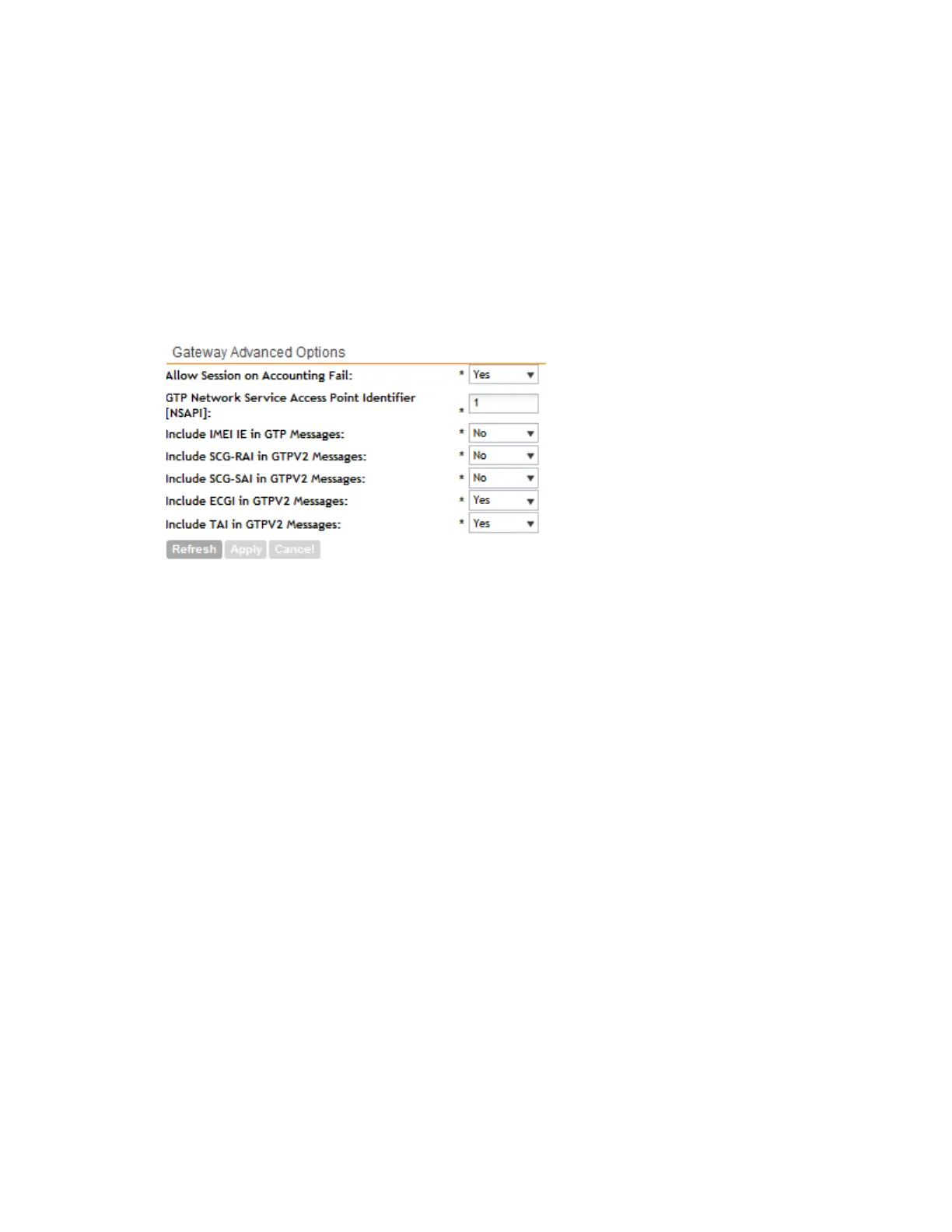
• Include SCG-SAI in GTPV2: This setting will only be used when the S5/S8 interface is
used for GTPv2
• Include ECGI in GTPV2: This setting will only be used when the S5/S8 interface is used
for GTPv2:
• Include TAI in GTPV2: This setting will only be used when the S5/S8 interface is used
for GTPv2.
NOTE: The default GTPv2 interface for the controller is S2a.
3. Click Apply.
Figure 110: Configure the gateway advanced options as needed
Configuring Cluster Planes
To view the cluster planes that exist in the cluster, go to Configuration > System > Cluster
Planes.
The Cluster Planes page appears and displays a summary of the data planes and control
planes that belong to the cluster.
This section covers:
SmartCell Gateway 200/Virtual SmartZone High-Scale for Release 3.4.1 Administrator Guide
219
Configuring the System Settings
Configuring Cluster Planes



 To Next Page