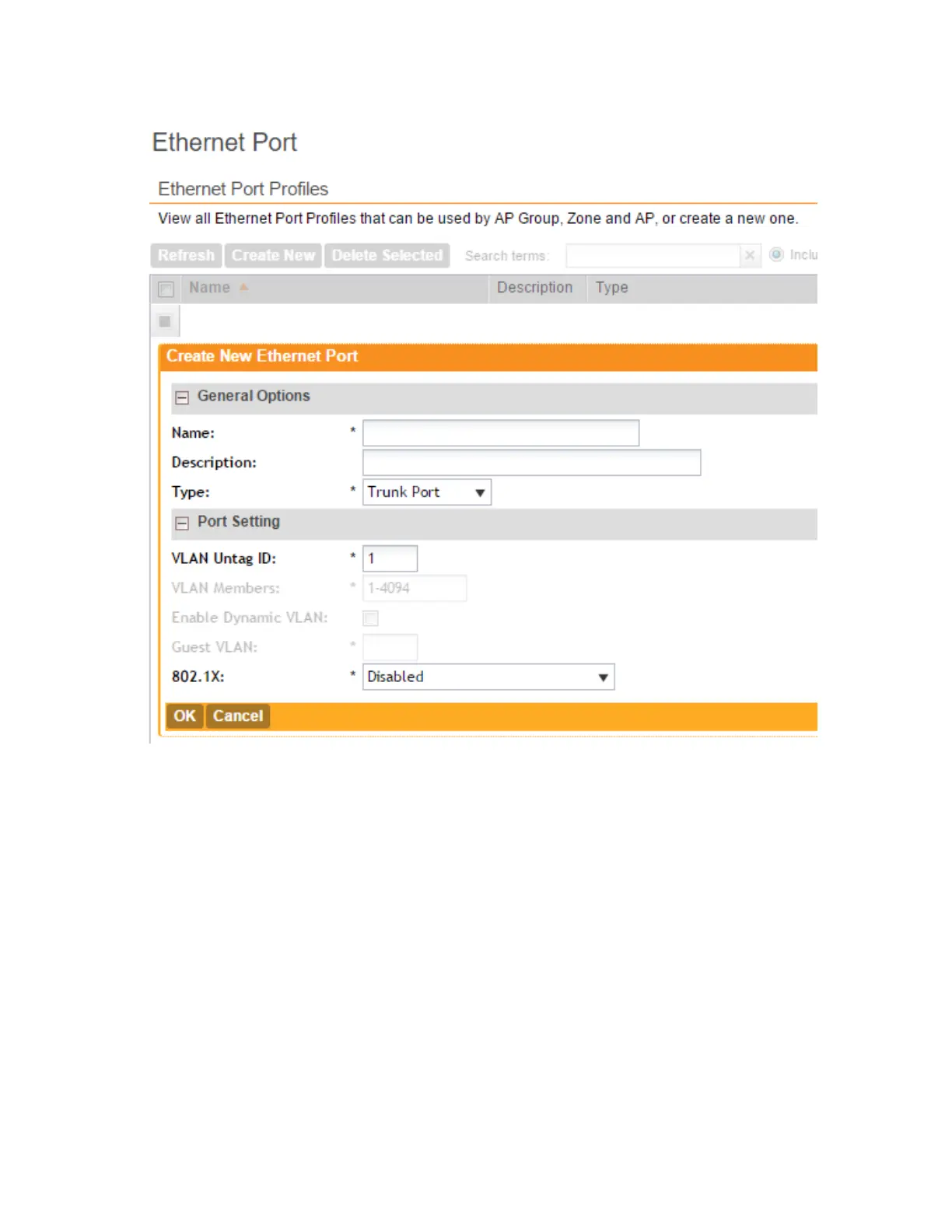
Figure 34: Options for creating an Ethernet port profile
Important Notes About Ethernet Port Profiles
If you are using Ethernet port profiles to handle VLAN traffic to and from managed APs, take
note of these important notes and caveats.
• Dynamic VLANs and guest VLANs only support the access port and MAC-based authenticator.
• Tunnels only support the access port.
• 802.1x options are only supported when the AP’s mesh mode is Root, Mesh, or Disable.
• At least one trunk port must be enabled on the AP for the Ethernet port profile to work.
• The AP can only have a supplicant port.
SmartCell Gateway 200/Virtual SmartZone High-Scale for Release 3.4.1 Administrator Guide
96
Managing Ruckus Wireless AP Zones
Creating an Ethernet Port Profile



 To Next Page