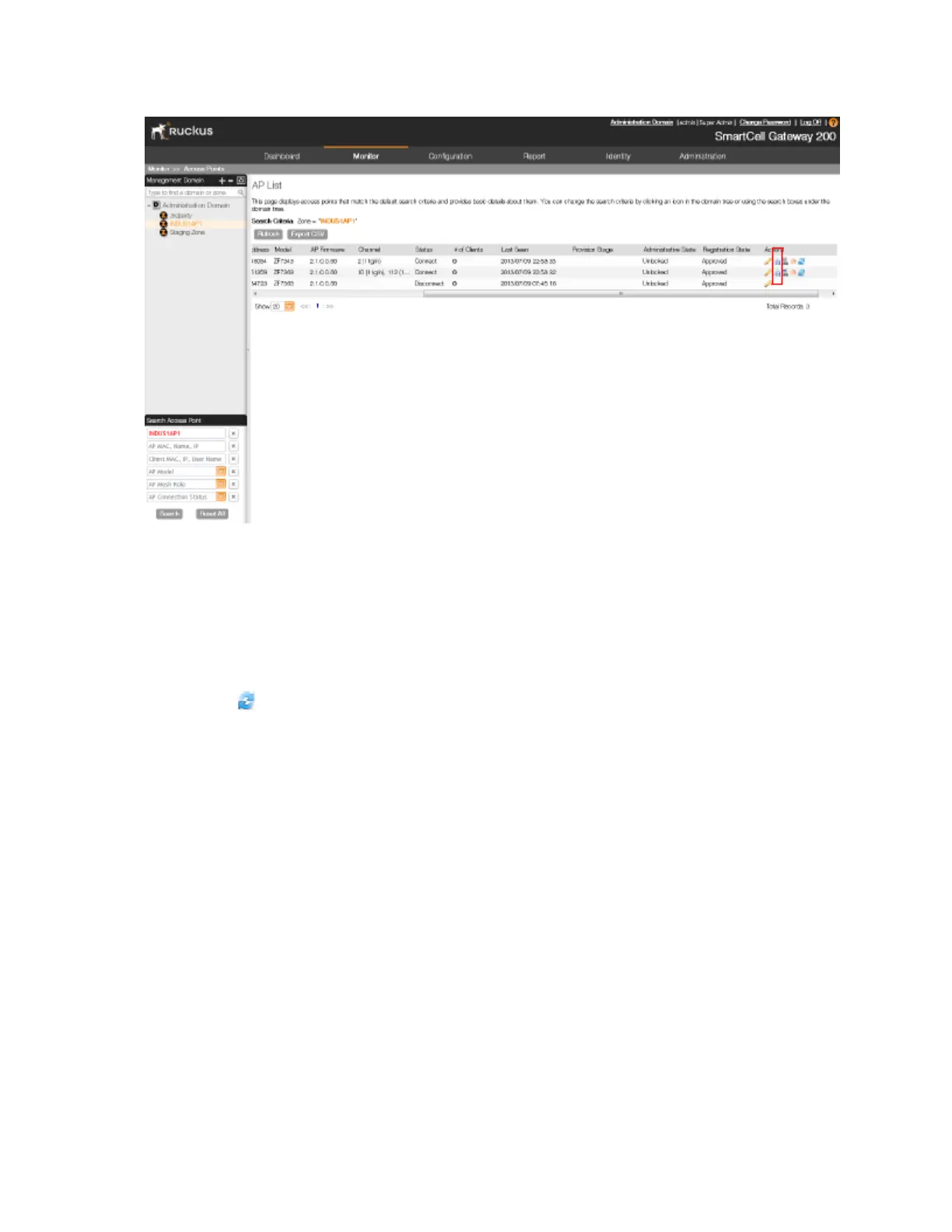
Figure 159: Click the icon for downloading the support log
Restarting an Access Point Remotely
Follow these steps to restart an access point remotely from the web interface.
1. Go to Monitor > Access Points.
2. On the AP List page, locate the access point that you want to restart.
3.
Click the icon that is in the same row as the MAC address of the access point.
The following confirmation message appears: Are you sure you want to restart
this AP?
4. Click OK.
The controller sends a restart command to the access point, and then the access point
restarts itself.
You have completed restarting an access point remotely.
SmartCell Gateway 200/Virtual SmartZone High-Scale for Release 3.4.1 Administrator Guide
292
Monitoring AP Zones, Access Points, and Wireless Clients
Monitoring Managed Access Points



 To Next Page