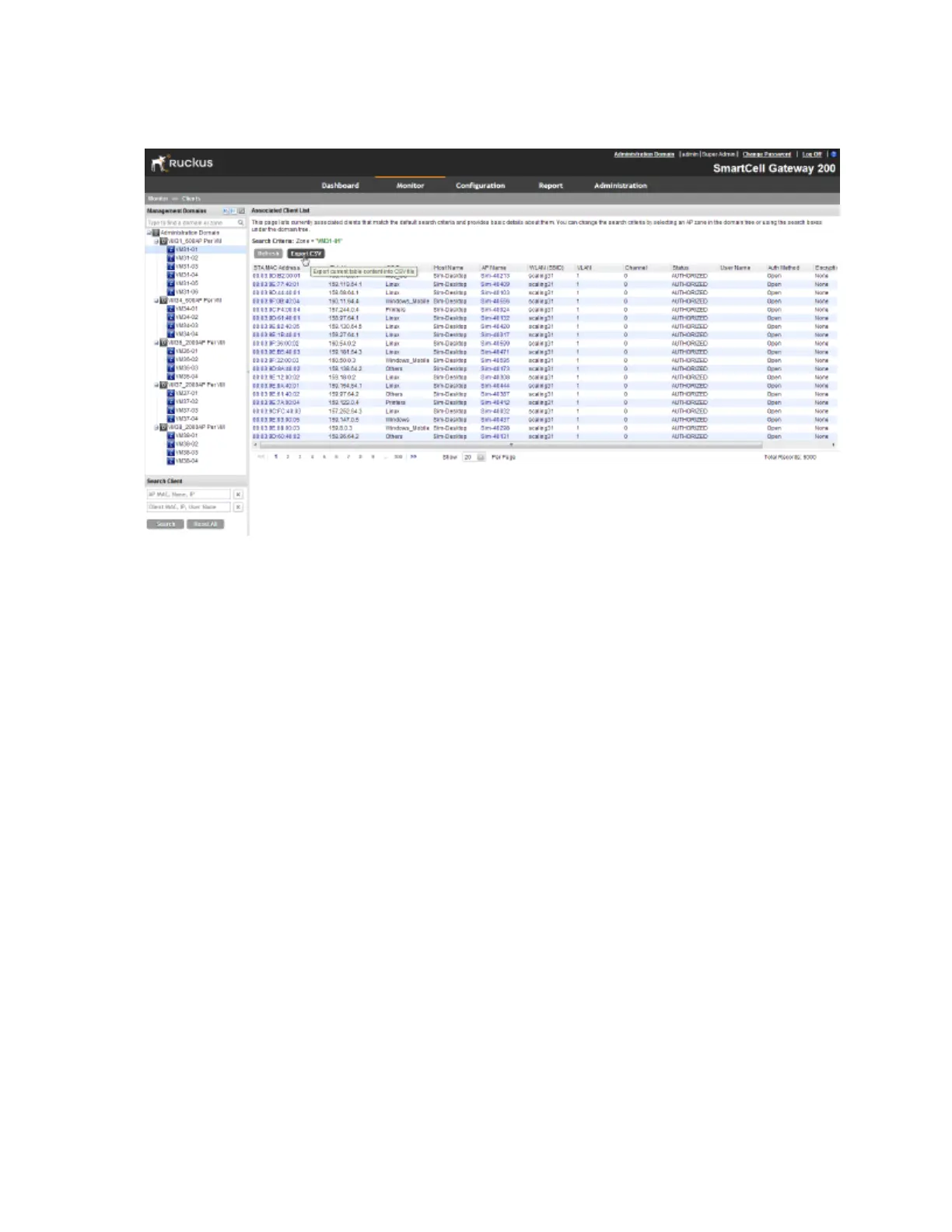
You have completed exporting the client list to CSV.
Figure 163: A message appears as your browser downloads the CSV file from the controller
Viewing Information About a Wireless Client
Follow these steps to view information about a wireless client.
1. One the Clients List page, locate the wireless client whose details you want to view.
2. Under the STA MAC Address column, click the MAC address of the wireless client.
The page refreshes and displays general information about the wireless client, including its
MAC address, IP address, authentication method, encryption method, connection details,
operating system, and traffic statistics, among others. Recent connectivity events that occurred
on the wireless client are displayed in the Events section at the bottom of the page.
SmartCell Gateway 200/Virtual SmartZone High-Scale for Release 3.4.1 Administrator Guide
297
Monitoring AP Zones, Access Points, and Wireless Clients
Monitoring Wireless Clients



 To Next Page