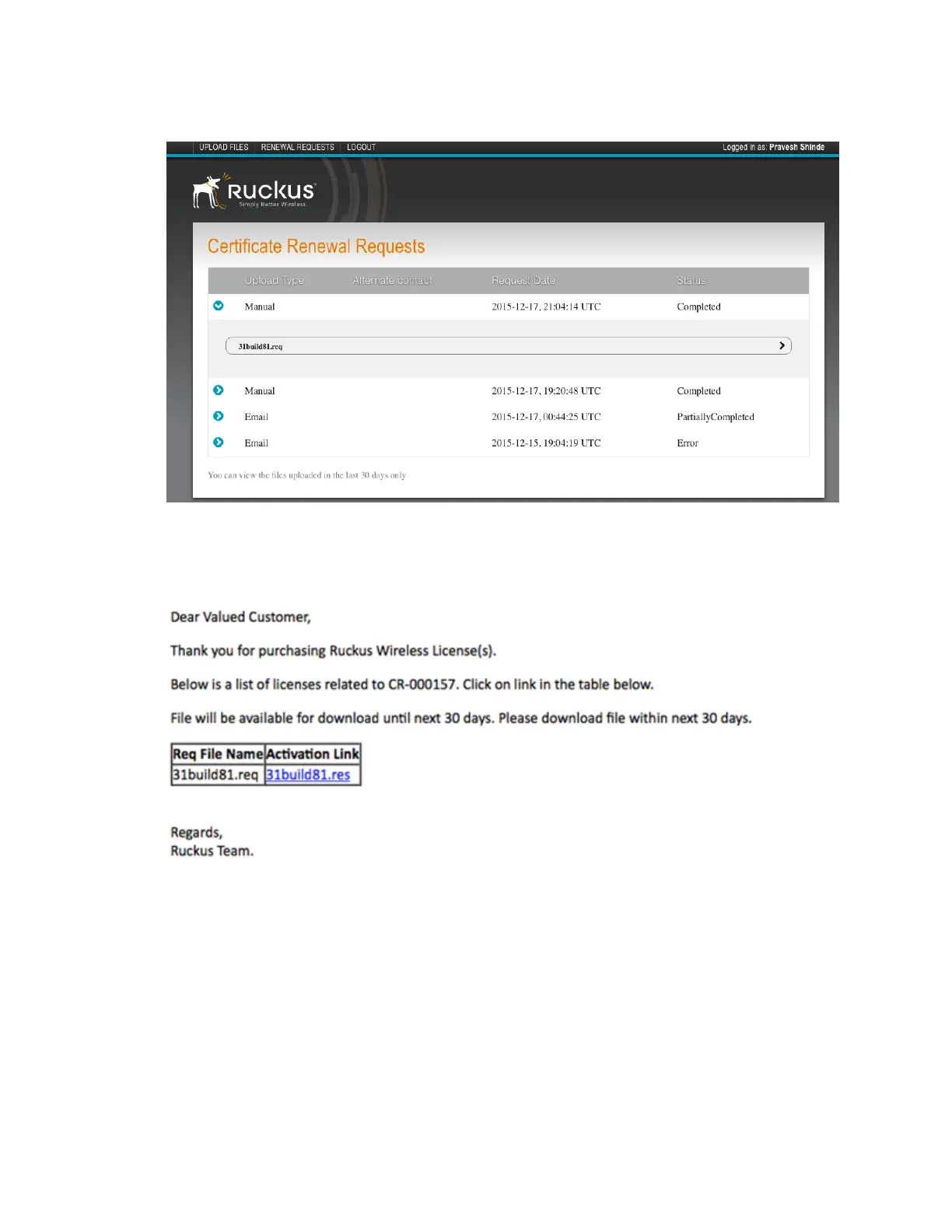
5. View the status of your request from the Certificate Renewal Request page as shown.
Figure 235: Certificate Renewal Request page
6. After the request is processed, you will receive the following response from Ruckus Wireless,
with a link to the .res response file for Import on the Certificate Refresh page.
Figure 236: Sample e-mail confirmation from Ruckus Wireless
Importing AP Certificate Responses
You can replace an AP certificate by importing a new certificate.
APs requiring new certificates that are included in the request file will reboot after Step 5
(described below) is completed.
Consider using a staged approach to import the response files. Use the Search terms option
to look for APs by name, model, serial number, or description, for larger WiFi networks to minimize
service interruption.
SmartCell Gateway 200/Virtual SmartZone High-Scale for Release 3.4.1 Administrator Guide
375
Performing Administrative Tasks
Managing AP Certificate Replacement



 To Next Page