1. Go to Administration > AP Certificate Replacement.
The AP Certificate Replacement page appears.
2. In Request Status section, select the AP response file for import.
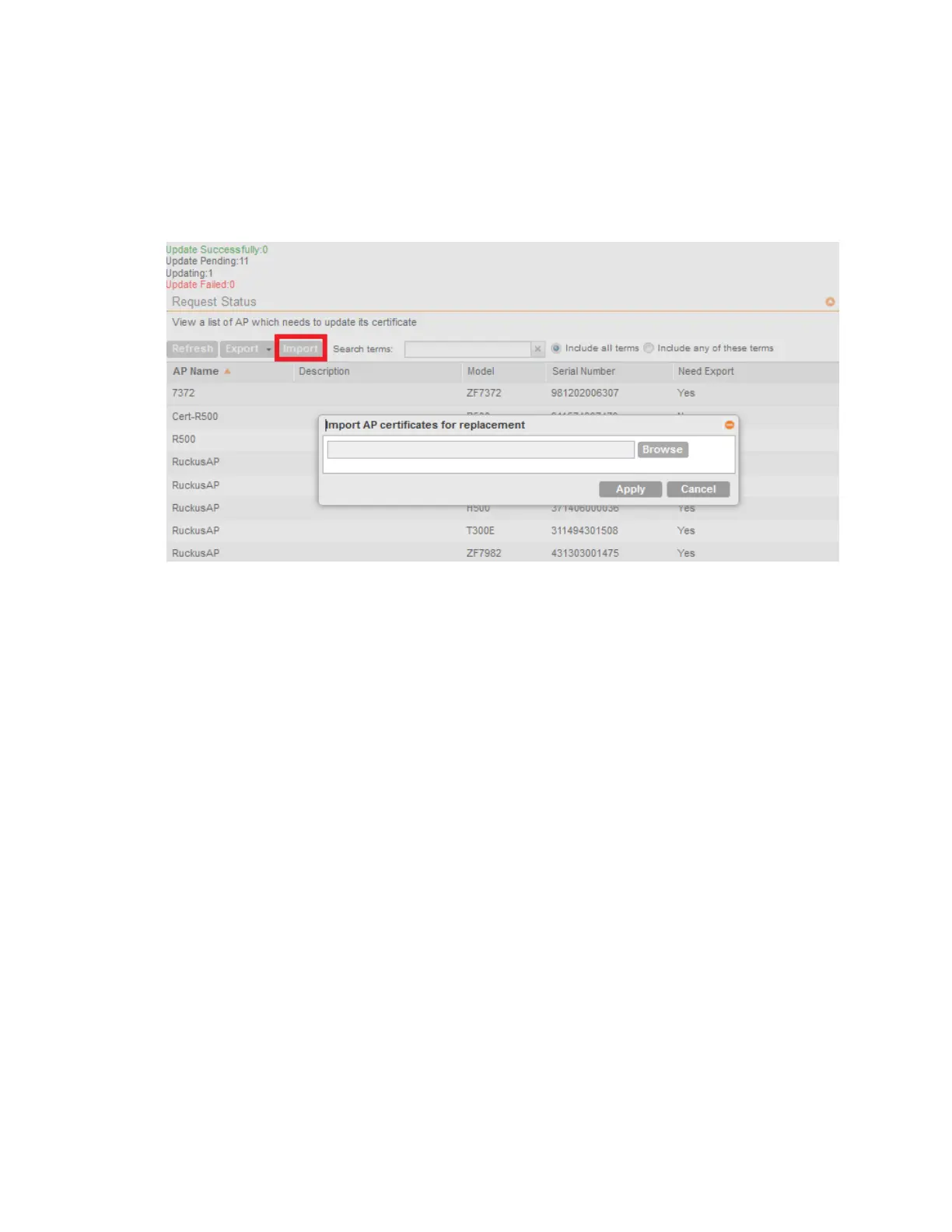
3. Click Import.
The Import AP certificates for replacement screen appears as shown in the figure.
Figure 237: Importing AP certificates
4. Click Browse, and select the certificate file.
5. Click Apply to import the new certificate to the AP.
NOTE: All APs included in the imported response (.res) file reboot after their certificate is
refreshed.
The Update Successfully counter displays the APs for which certificate refresh was
successful, and the Certificate Status section displays APs for which certificate refresh is in
progress or have failed. You can also view other AP certificate refresh statuses from the
Updating, Update Pending and Update Failed counters.
SmartCell Gateway 200/Virtual SmartZone High-Scale for Release 3.4.1 Administrator Guide
376
Performing Administrative Tasks
Managing AP Certificate Replacement



 To Next Page